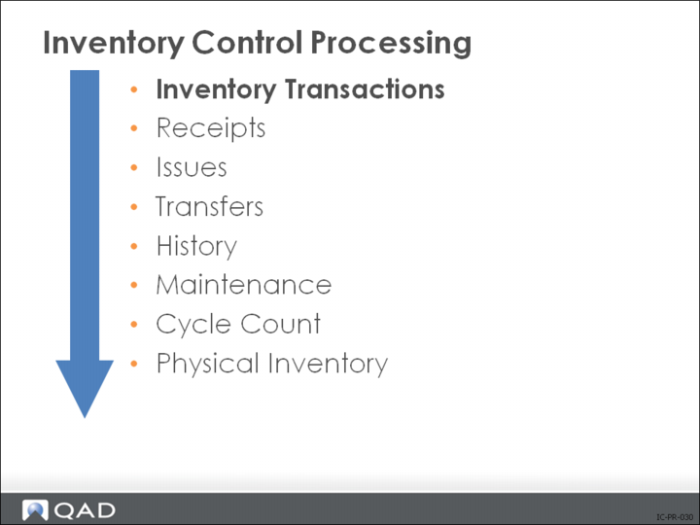
Inventory Transactions
The system disallows certain inventory transactions when a module replacing them is installed.
Example: Issues–Return to Supplier will not work after Purchasing is installed. Use Return to Supplier to tag an issue as a return only if you have not yet implemented the Purchasing module. (This is not a complete return since it does not update purchasing or receiving history or current cost.)
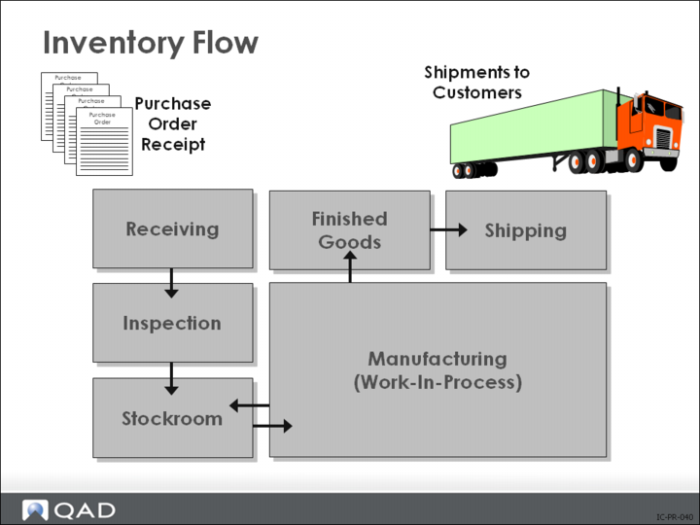
Inventory Flow
Inventory comes in from suppliers, is inspected, stored, moved to the shop floor, moved back into stock as finished goods, and then shipped. Most of these movements change the value of inventory in some way.
Receipts and Issues
Receipts (items received from a supplier or shop)
• Value of inventory increased and inventory account debited
Issues (items removed from stock)
• Work in Process (WIP) account is debited (increased) if it is a work order issue
• Inventory account is credited (decreased)
Transfers
Movement from one inventory location to another, for example, from inspection to stock.
• Within a site, transfers do not affect inventory value
Shipments
A shipment is a movement from finished goods to the customer.
• Inventory credited
• Cost of goods sold is debited
Invoicing debits Accounts Receivable
Adjustments
An adjustment can be a change in inventory at a location, due either to a cycle count or physical inventory.
• May be an adjustment to the GL cost of an item (revaluation)
• Debits or credits inventory and does the opposite to inventory discrepancy account
On-Hand Inventory
On-hand inventory balance for an item can be detailed by site, stock location, status, lot/serial number, and lot reference.
On any inventory transaction, you must specify the same detail that you set up for the item in Item Master Maintenance (1.4.1) or Item Inventory Data Maintenance (1.4.5).