Inventory Transactions – Issues
Issue transactions are created by:
• Sales Order Shipments (7.9.15)
• Work Order Component Issue (16.10)
• Purchase Order Returns (5.13.7)
• Return to Supplier Menu (RTS) (3.8)
• Issues - Unplanned (3.7)
• Distribution Order Shipments (12.17.22)
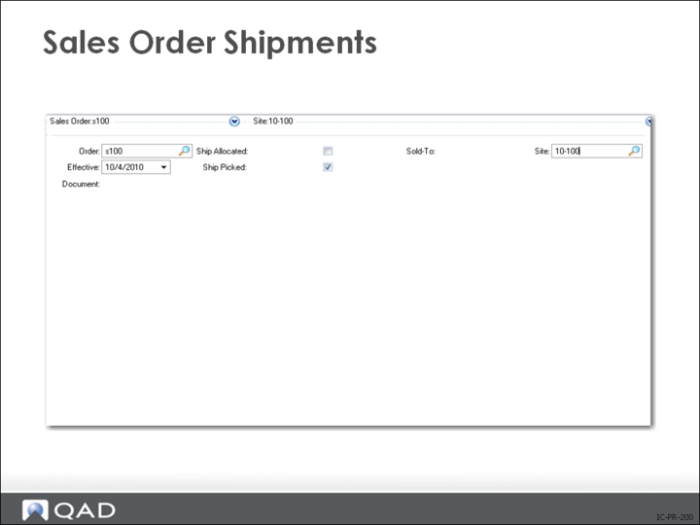
Sales Order Shipments
Allocations
• Ship Allocated = Yes
• Ship Picked = No
Picklists/Packing Lists
• Ship Allocated = No
• Ship Picked = Yes
The system displays all open line items and quantities for the specified order. Select line items and specify quantity for shipping. Warning messages are displayed when:
• The order value in base currency is less than the control setting, if the Minimum Shipment Amount field in Sales Order Control (7.1.24) is set to Yes
This message can also display in Sales Order Maintenance (7.1.1) and Sales Order Credit Maintenance (7.1.13)
• The cumulative quantity shipped for a scheduled line exceeds the maximum order quantity for that line
After selecting and verifying all items to ship, QAD Enterprise Applications displays the trailer information (financial). You can now enter information such as freight charges, special charges, bill of lading numbers and carrier information.
Work Order Component Issue
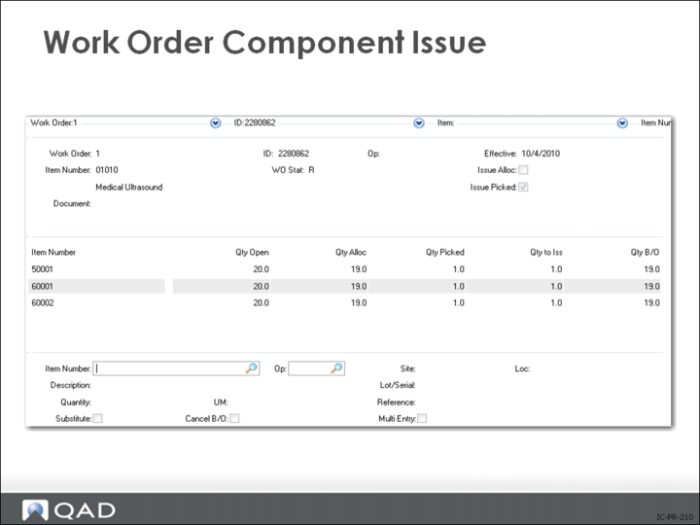
There are two ways to issue inventory to a work order:
1 Directly, using Work Order Component Issue (16.10)
2 As completed products are received, using Work Order Receipt Backflush (16.12)
Work Order Receipt Backflush:
Combines the functionality of Work Order Component Issue and Work Order Receipt
Allows backflushing of quantities different from those received
Both methods keep track of inventory transactions used to issue components to a work order and exclude floor stock issued using an unplanned issue transaction.
Purchase Order Returns
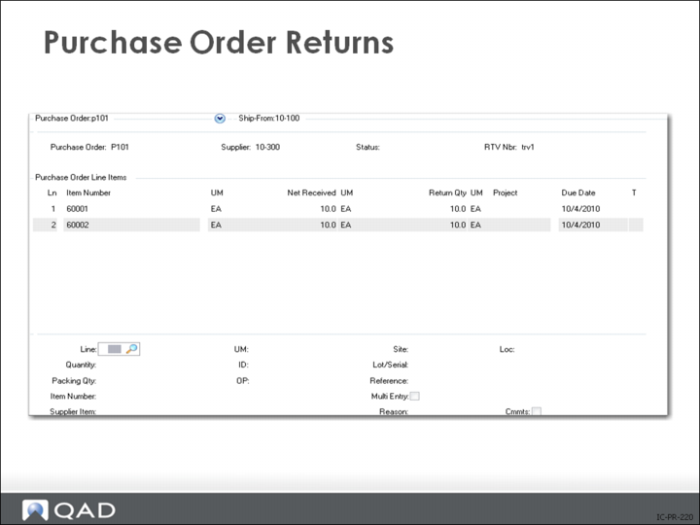
There are two ways to return goods to a supplier:
1 If the purchase order still exists, use Purchase Order Returns (5.13.7)
2 Use Purchase Order Maintenance (5.7) to enter a new line or, if necessary, a new order for the items to be returned
• Enter the quantity as negative
• Receive the items in Purchase Order Receipts (5.13.1)
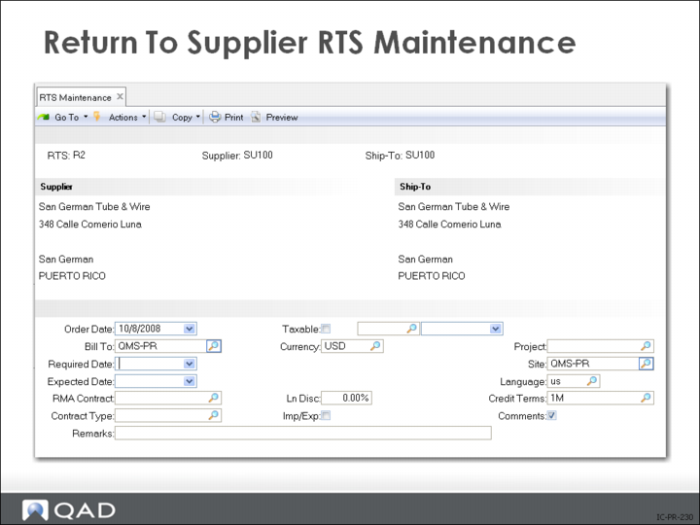
Return to Supplier (RTS) Maintenance
Records that you have returned a certain quantity of an item to a certain supplier and are expecting either replacement items or a credit, in the Service/Support Management module.
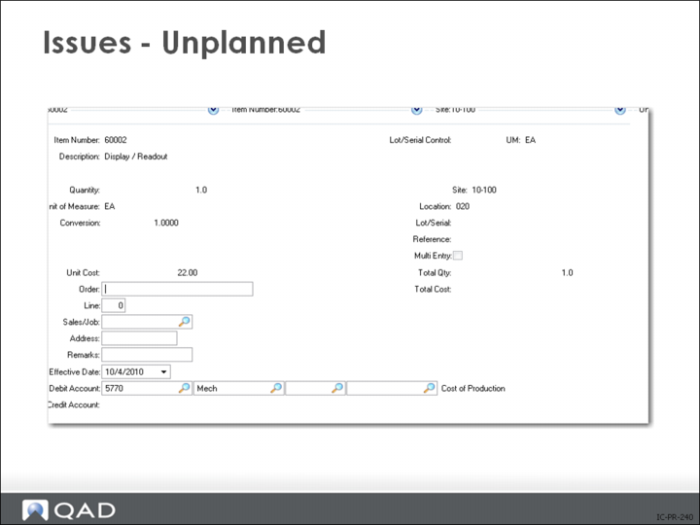
Issues - Unplanned
An issue not involving open sales, purchase, manufacturing, or quality order is an unplanned issue.
• Normally there is just one entry screen
• If you set Multi-Entry to Yes, you can enter a list of sites, locations, lot/serial, and lot reference numbers, and a quantity for each one
Use unplanned issues to record miscellaneous inventory issues such as
• Floor stock items sent out to production
• Materials sent to engineers for building 10-100types or testing
Use the transactions in the Inventory Transfer Menu (3.4) instead of an inventory issue/receipt to record transfers. Transfer functions maintain complete lot/serial traceability. For example give engineering an inventory location that is non-nettable and not available and transfer the material they request. Accounting can then expense the value of the items to the engineering budget on a monthly or quarterly basis.
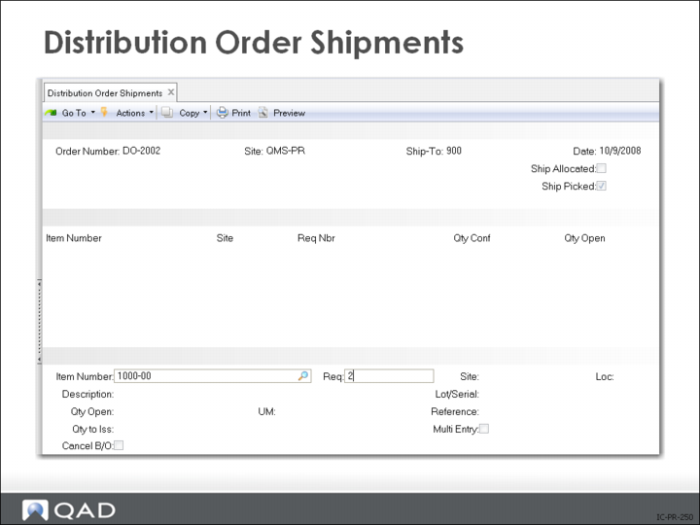
Distribution Order Shipments
Records that you have sent items to another site in your company. These items are taken out of your inventory and moved to an in-transit site and location.