Inventory Transactions – Transfers
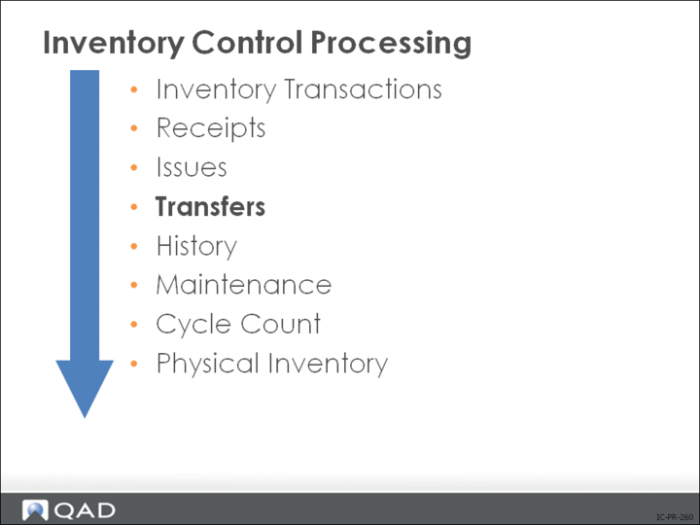
Transfer transactions are created by:
• Transfer - Single Item (3.4.1)
• Transfer - Multi Item (3.4.2)
• Transfer With Lot/Serial Change (3.4.3)
Occasionally inventory is moved to a different location for storage (from inspection to stock, for example). This is known as a transfer-inventory movement instead of inventory use. The three types are listed above and discussed on the following pages.
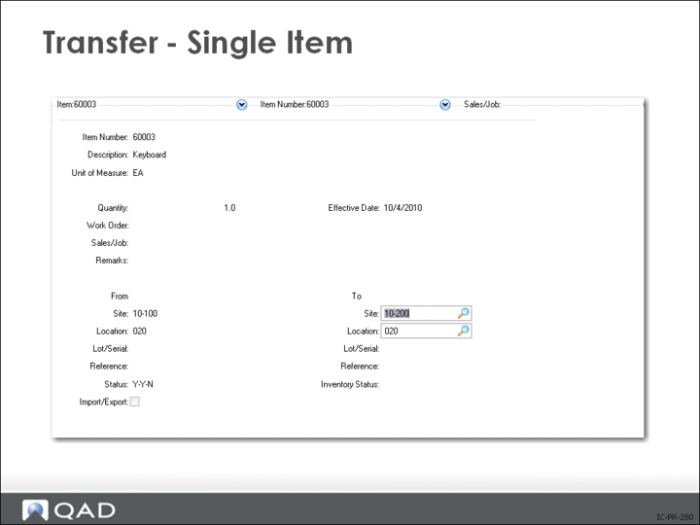
Transfer - Single Item
Transfer a specified quantity of a single item from one location to another. When the inventory status code of the From and To locations differ, you can select which one to use for the item.
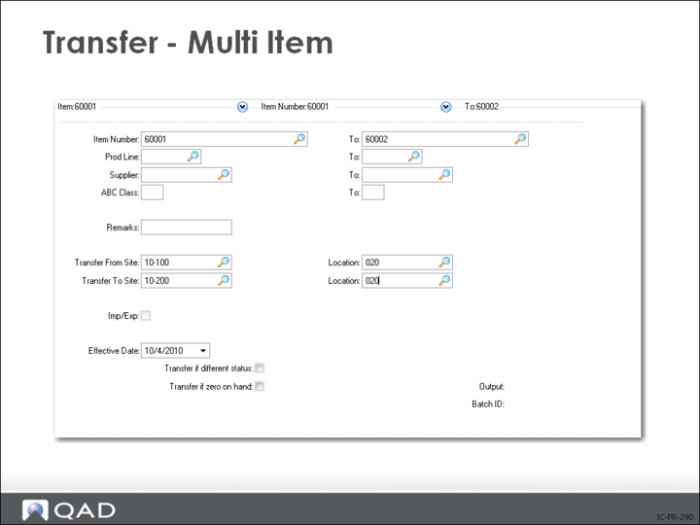
Transfer - Multi Item
The entire quantity of the inventory item is transferred from one location to another.
• Cannot transfer a partial quantity
• Generates a report showing the items and quantities transferred
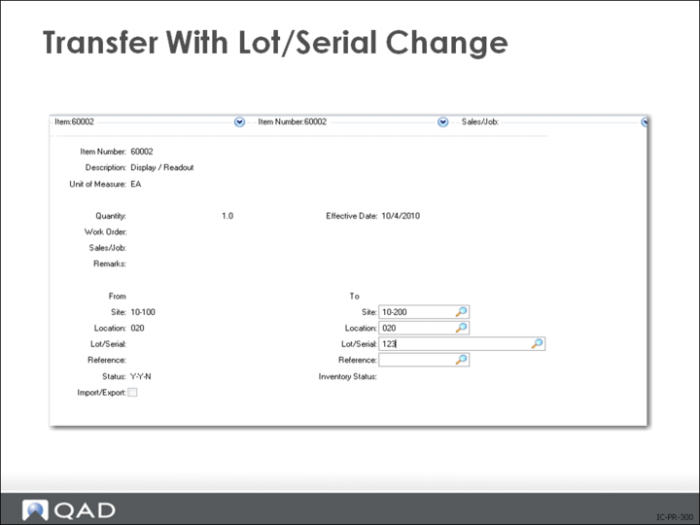
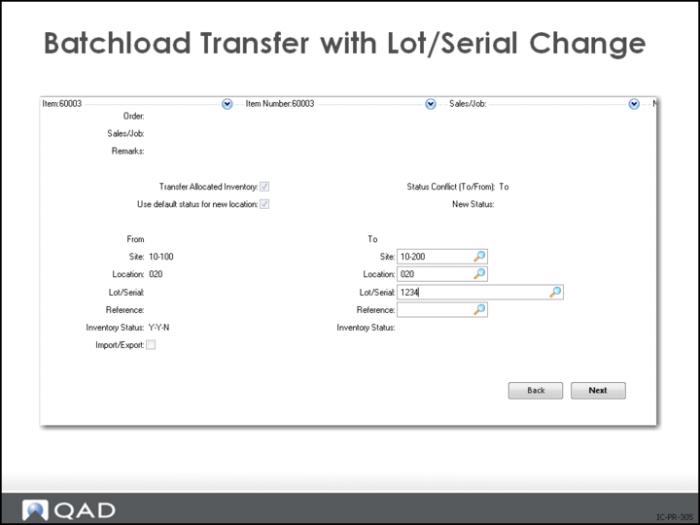
Transfer With Lot/Serial Change
Changes lot/serial and lot reference numbers associated with an item (in addition to site and location). This is particularly useful for tanks and silos where it is common to pump from one or more tanks into a third tank to create a blended material with a new lot number.
Batchload Transfer with Lot-Serial Change
Most QAD reports offer an extensive rage of selection options. For the reports you use most often become familiar with how the report setup will affect the end result. For example many reports offer a choice of summary or detail format. This can have a dramatic effect on the output. Refer to the sample Inventory Detail Reports to see the effect of selecting summary or detail. This is the same inventory record display as a one line summary and with complete detail. The range of selection criteria, sort criteria, effect date ranges allow reports to be tailored to a great extent.