Use MRP and CRP
Use MRP and CRP
In this section, you learn how to use MRP and CRP in QAD Enterprise Applications.
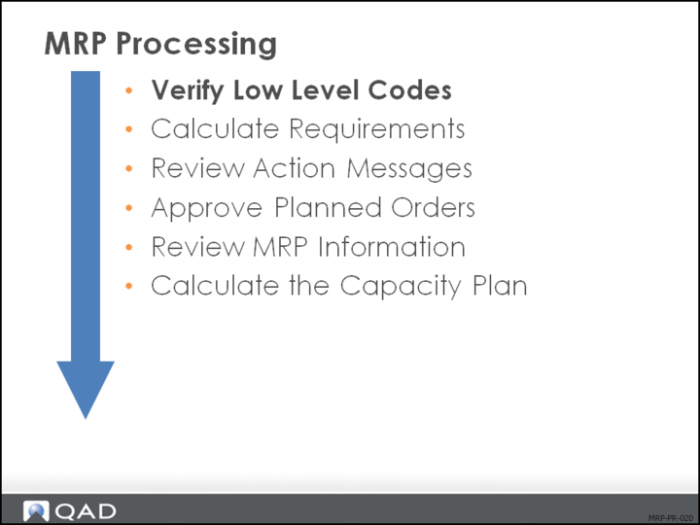
The slide shown is a suggested sequence of steps for processing MRP based on information that flows from one step to another and the prerequisites for each of those steps.
The diagram shows the steps that are covered in this course:
The MRP output is the direct input to CRP. Once the MRP has been reviewed and action messages acted upon, the capacity plan can be run.
Low-Level Code Update
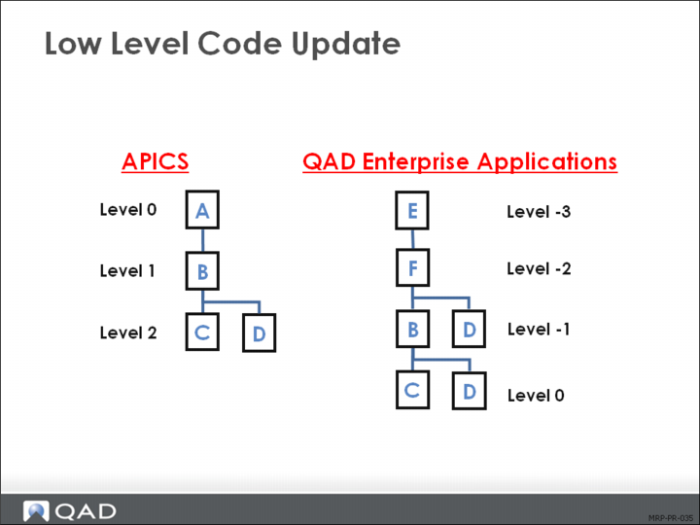
Low-level codes maintain a numeric value for each item relative to its parent item. This structure accelerates MRP processing time. Normally, QAD Enterprise Applications automatically updates these codes through item planning, BOM, MRP, and DRP transaction.
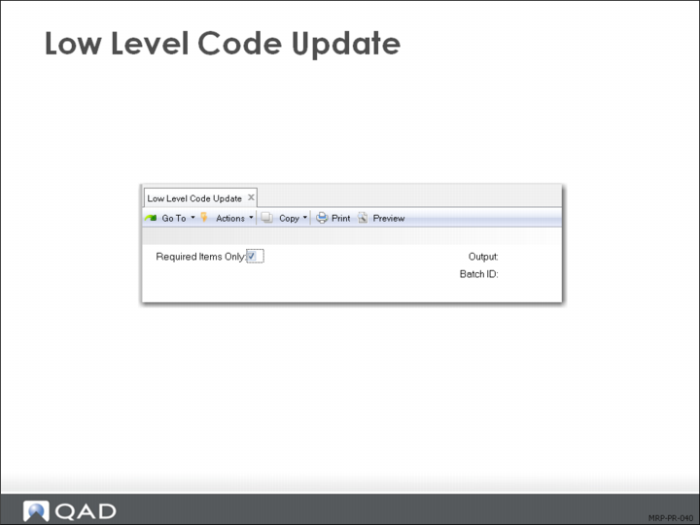
You can update these codes anytime with Low Level Code Update (23.22) as shown here. You can also do this update through Selective Materials Plan (23.3).
Depending on the number of items in your database, this program can take a long time to run.
This process is discussed in Training Guide: Product Structures and Formulas.