Creating a Browse
When you start Browse Maintenance, the function is ready to create a new browse.
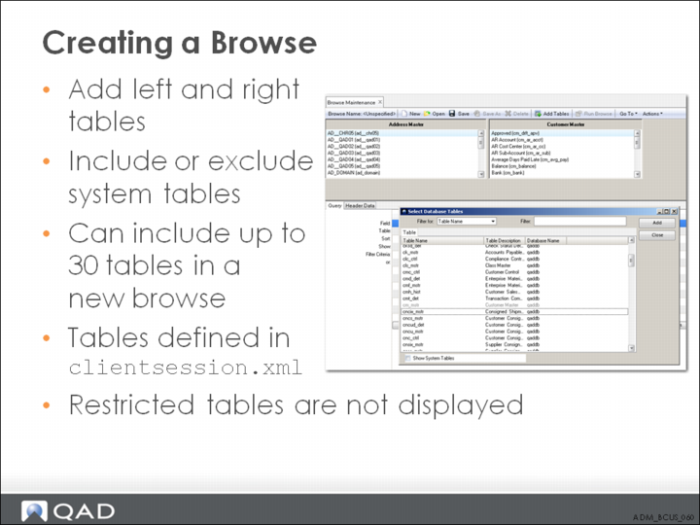
Click the Add Tables icon in the tool bar to display the Select Database Tables window. Double-click the name of the table you want to add as the left table, and then double-click on the name of the table you want to add as the right table.
In the Select Database Tables screen, the Show System Tables field ensures that system tables (such as *_Db, *_File, and *_Field) are displayed (or not displayed) in the table list.
The tables displayed for each program are defined in the client-session.xml file. The Browse Maintenance function reads this .XML file before populating the Select Tables screen. You can prevent tables from being displayed by modifying this file.