Field Properties
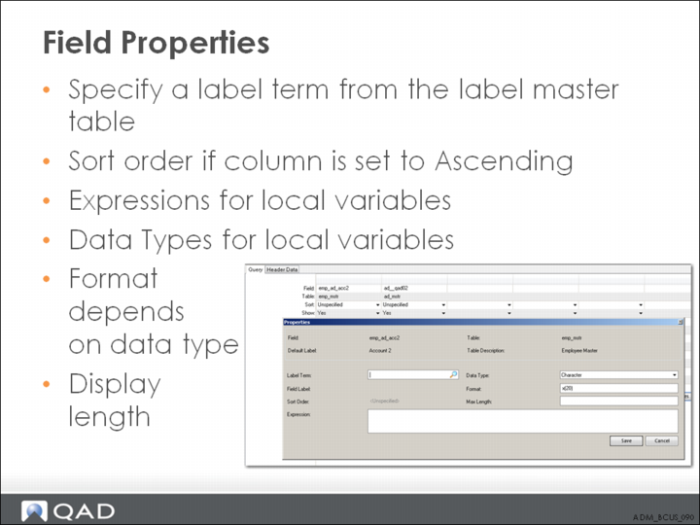
The label term field specifies the key or label term from the label master table which is used to retrieve the field label displayed in the column in the browse results.
When saving the browse definition:
If the label term does not exist in the label master table, the system creates a new label master record using the string entered (the string is set to all uppercase and spaces are replaced with underscores).
The new label master record’s value is the entered label term. For example, if you enter the new term Red Book, the label master table is queried and the term is not found. A new label master record is created with the key RED_BOOK and the value Red Book. An associated lookup lets the user select an existing label term from the label master table.