Other Browse Options
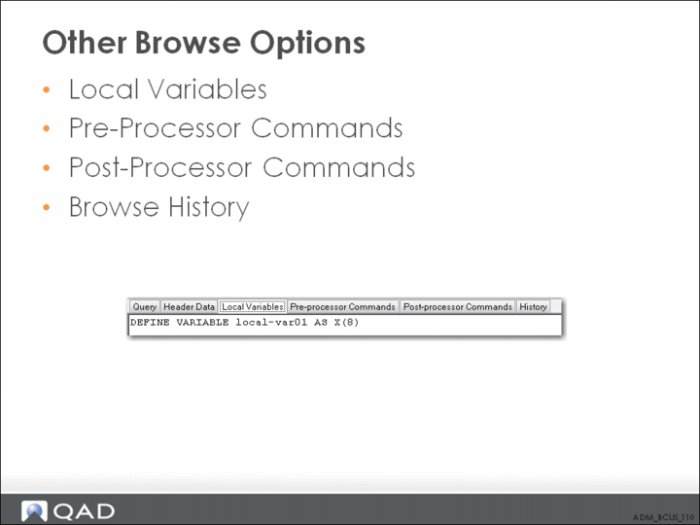
Right-click the Header Data tab to select which additional tabs you want to display: Local Variables, Pre-processor Commands, Post-processor Commands, and History tabs.
The Pre-processor Commands and Post-processor Commands tabs are available only for backwards compatibility with browses defined using the Character UI. These tabs provide a way to enter Progress 4GL code that can run either before (pre-processor) or after (post-processor) the browse runs. You do not need to use these tabs when creating a new browse using the QAD .NET UI.
The History tab displays revision history for this browse.
By default, only the Query and Header Data tabs display.