Importing Browses
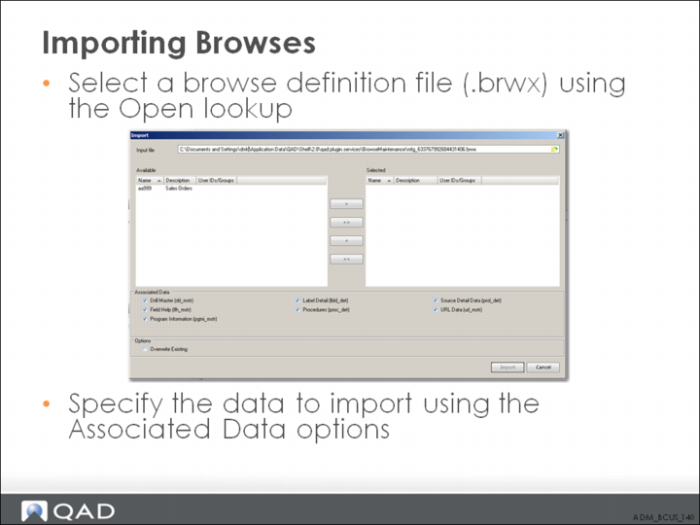
Importing includes the browse and view data for the browse, but you can specify whether to include associated browse data in the Associated Data pane, which includes checkboxes for including the Drill Master, Field Help, Program Information, Label Detail, Procedures, Source Detail Data, and URL Data.
If you are importing a browse that has the same name as an existing browse, specify whether you want the system to replace the existing browse with the one you are importing by choosing the Overwrite Exiting checkbox in the Options pane. Finally, click the Import button.
The Import and Export functions requires that you are using Progress version 10.1C01 at a minimum.