Browse Link Maintenance
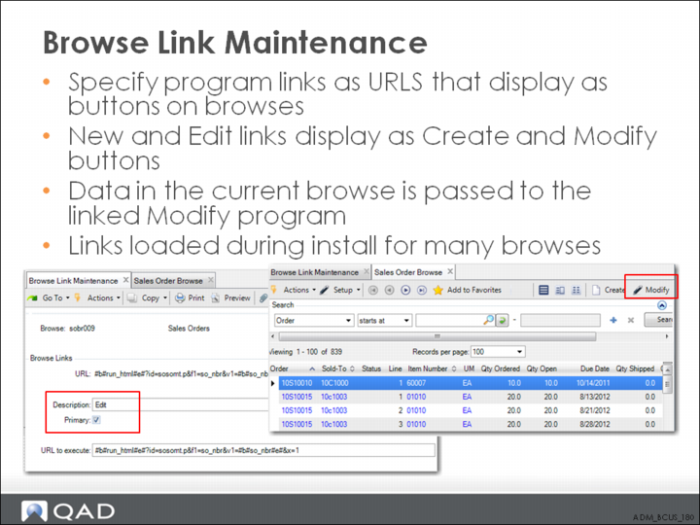
You can use Browse Link Maintenance to associate programs with a browse that display as buttons on the browse toolbar. Link data has already been defined for most commonly used browses so that Create and Modify buttons display when the product is installed.
Note: When buttons are defined with a description of New and Edit in Browse Link Maintenance, the terms are mapped to Create and Modify for display on the toolbar.
When you click the button in a browse, data from the currently selected row in the browse is passed to the linked program.
For example, in Sales Order Browse, click Create to open Sales Order Maintenance to enter a new sales order. Click Edit to open Sales Order Maintenance to modify the order for the currently selected row in Sales Order Browse.
If needed, you can define additional associations to commonly used programs that will also appear on the browse toolbar labeled with the text you supply in the Description field.