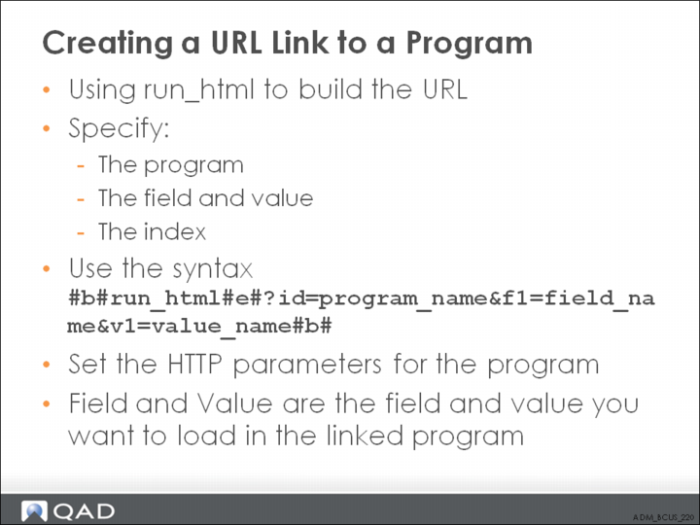
Creating a Browse URL Link to a Program
Example: For example, you can set up links in an item browse to directly access Item Master Maintenance (1.4.1), passing the current item number to the maintenance program, and executing the Next command any number of times. When a user clicks the link, Item Master Maintenance displays in a detached window. Multiple columns of data in a browse can contain links so that you can access maintenance programs for any data related to a record. However, data for only one field can be passed to each program.
Exercise