Creating a Browse Link to a Web Page
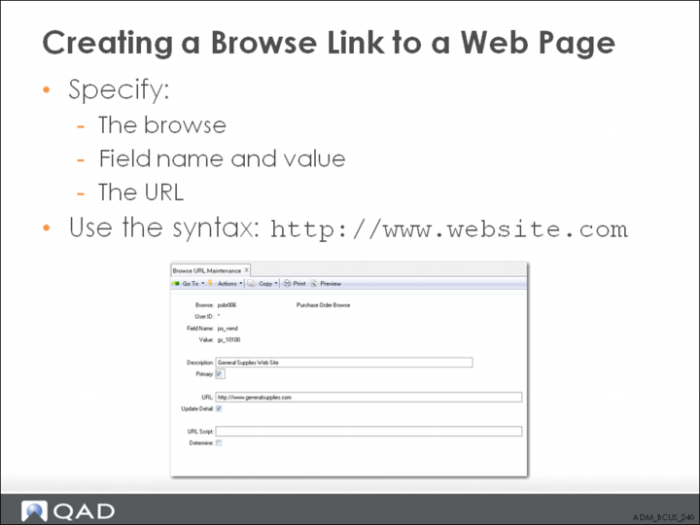
Example: You want to establish a URL link in the Purchase Order Browse from supplier ID GS10100 to the corresponding supplier’s company Web site, located at:
Enter these values in Browse URL Maintenance:
Field Name | Value |
Browse | pobr006.p |
User ID | * |
Field Name | po_vend |
Value | gs_10100 |
URL | http://www.generalsupplies.com |
Description | General Supplies Web Site |
Primary | Yes |
When you run Purchase Order Browse, the supplier gs_10100 record now features a link to the Web site www.generalsupplies.com.
Exercise