Browse Collections
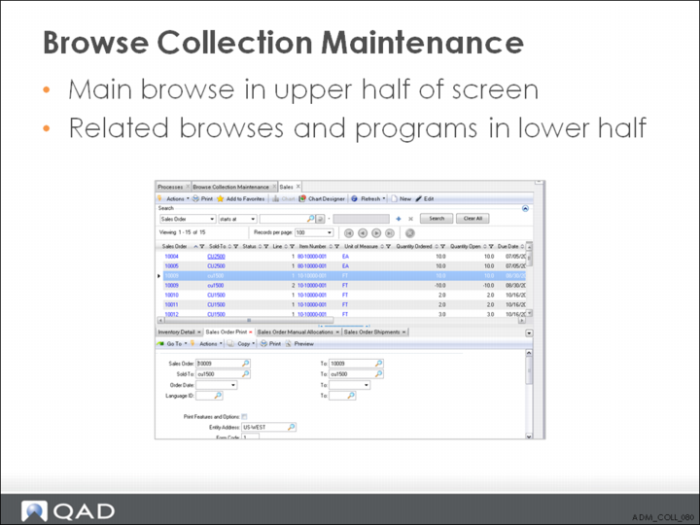
There is no limit to the number of programs and browses you can include in a Browse Collection. However, when defining the collection, you should consider that a large collection takes longer to display on the screen, and there may be a performance issue if it is to be in constant use by a large number of users. In this case, you should consider multiple smaller collections.
Browse Collection Maintenance
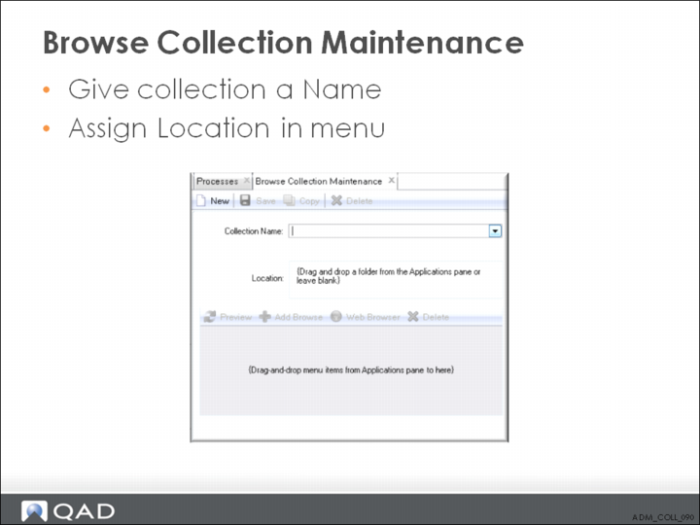
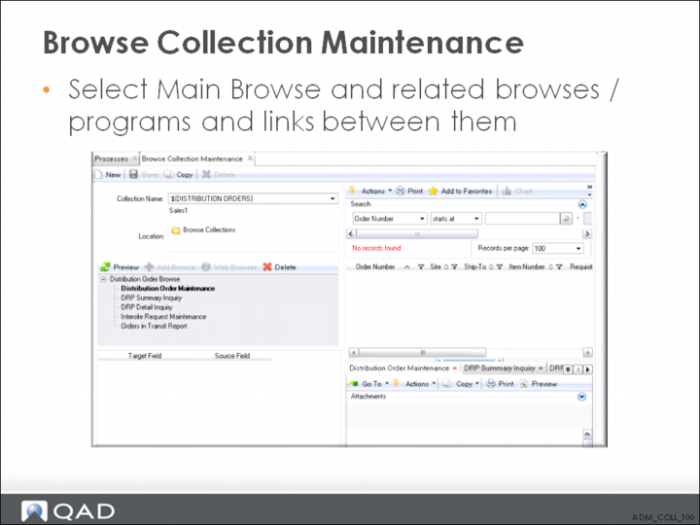
Browse collections are stored in the Collections folder in the Applications area. When you right-click the Collection name and select Design, you can open the collection directly in Browse Collection Maintenance. This option lets you modify collection properties from the desktop without having to run the maintenance program.
You can specify a label term as a name for the browse collection. The advantage of doing this is that you can use a label term whose associated description has been translated into a supported language. To find an existing label term, open Label Master Browse (36.4.17.2). To quickly find a label term you might want to use, use the browse’s Search function. For example, if you want to find a label term that includes Item, set the Search fields to Term contains Item and click Search.
In the browse, the Term column lists the label terms that include Item and the Long Label column displays the associated descriptions. Next, in Browse Collection Maintenance’s Name field, enter the label term in the format ${Term}.
Important: You must use curly brackets {} when defining a label term. Otherwise, the label will not link correctly to the translated description.
For example, if the label term is ALL_ITEMS, enter ${ALL_ITEMS} in the Name field. After the browse collection is saved, in the Applications Pane, the browse collection name takes the description associated with the ALL_ITEMS label term.
If the ${Term} name is not converted immediately to the label term’s description, log out and log back in again to refresh the Application area’s display.