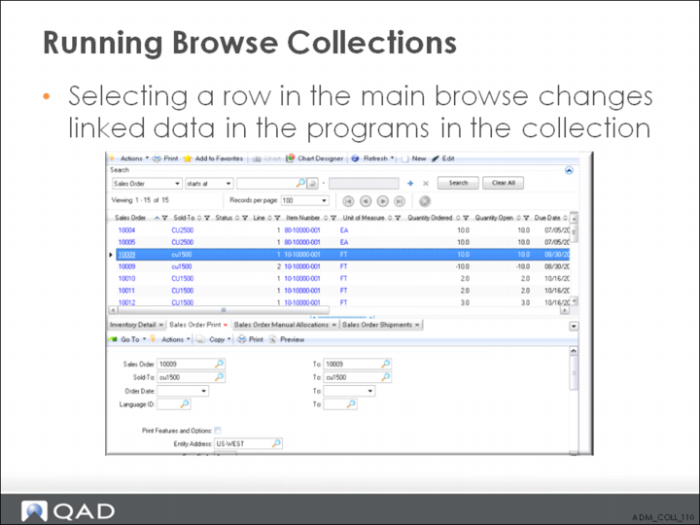
Running Browse Collections
You can also drive URLs from browses. For example, select Customer Address Browse and click the Web Browser button.
1 In the Title field, enter Google Address Search. In the URL field, enter http://maps.google.com/maps?q= and then choose Postal Code from the pull-down menu, which adds <Postal Code> to the Google Maps query. Now Customer Address Browse automatically drives a Google Maps query.
2 If you decide you want to remove one of the browses or programs, select the browse or program and click the Delete button just above the gray area.
3 To preview the collection, click Preview.