Overview: Changes in Paradigms
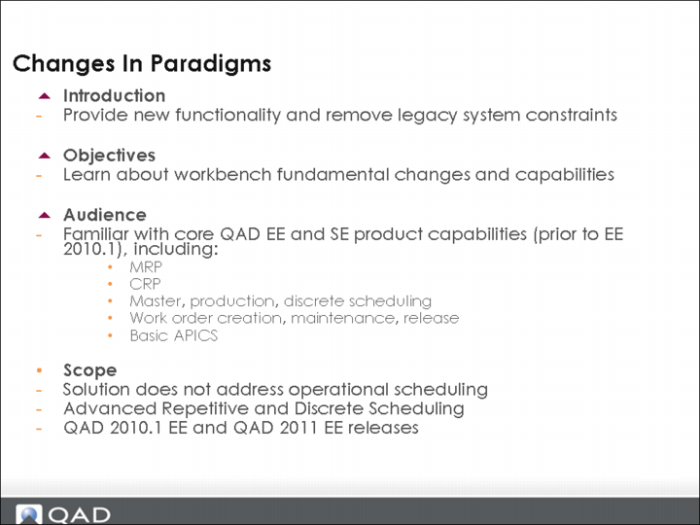
In Learning Central, the following training course corresponds to this chapter:
Planning and Scheduling Workbenches: 2. Changes in Paradigm - Functional Detail - 2011 Launch, code PLM11-1200.
Play the video within the course with this chapter. The video informs you when to stop the video and take the hands-on lesson.
Changes in Paradigm
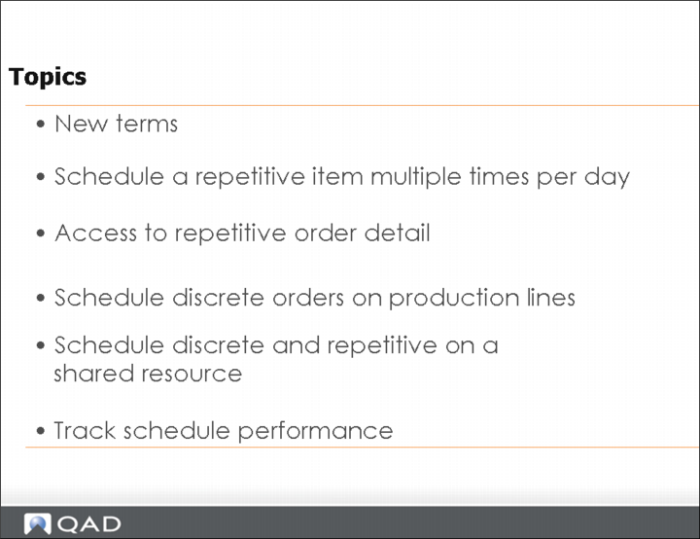
Topics
This training guide covers the topics described above.
In addition, the following should be considered before you use the workbenches.
Business Considerations
For the two Planning and Scheduling workbenches —MSW and PSW—you need to consider these primary considerations:
• Do I schedule at the production order level, the production order operation level, or both?
• Do I want to schedule on the production line, work center, or both resources?
• Am I scheduling a repetitive or discrete order?
• What item type am I scheduling?
• How do I want to manage materials for a production order? Do I transfer the materials to the resource or issue materials to the production order?
• How do I want to track/report costs for the item I produced? Do I track by item number or by specific item/order?
New Terms
New Terms
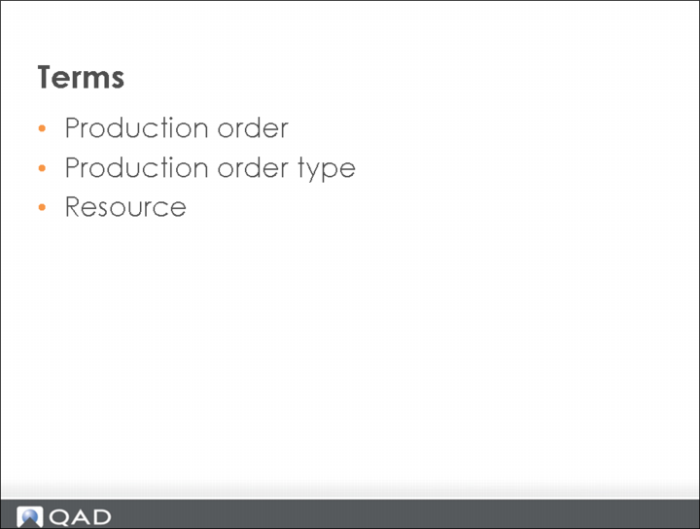
The following topics discuss terms you should understand before learning MSW and PSW concepts.
Production Order
Production Order
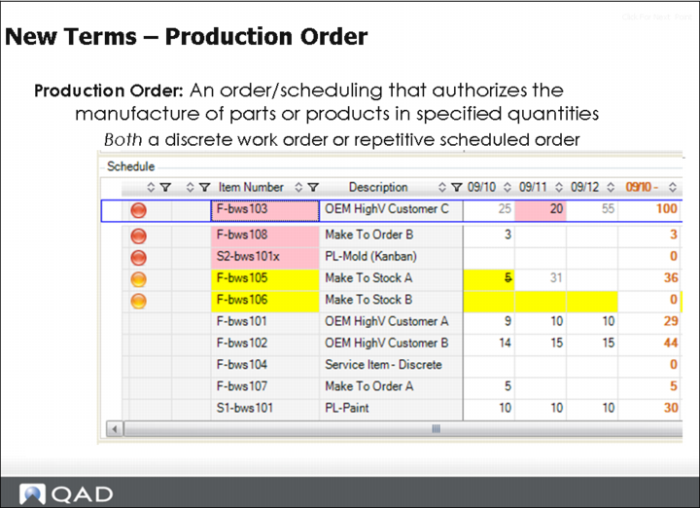
A production order is:
• An order/scheduling that authorizes the manufacture of parts or products in specified quantities.
• Both a discrete work order or repetitive scheduled order.
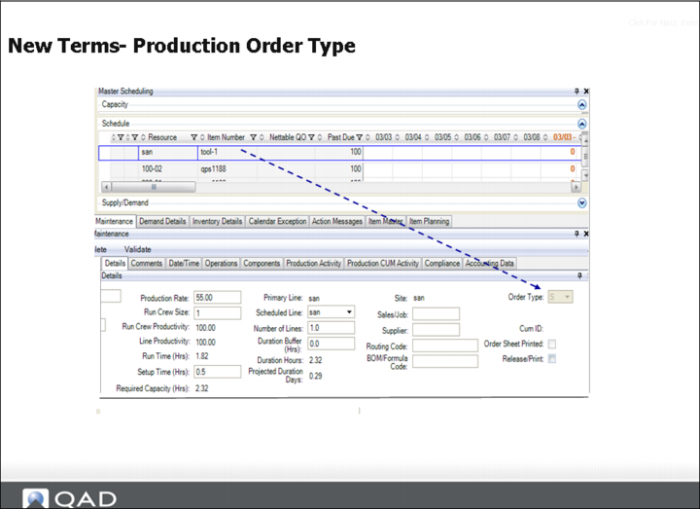
Production Order Type
Production Order Type
When discussing production order types, you should compare and contrast a repetitive order with a discrete order. A repetitive order:
• Is backflushed using (Repetitive Backflush (18.22.13)
• Tracks costs against a cumulative production order (a production order that may remain open for a day, month, or year with costs tracked).
• A repetitive order is a scheduled order, you can see this with an S as the indicator of the order type.
A discrete order:
• Is backflushed using Work Order Receipts (16.13)
• Tracks costs against a discrete production order
• Blank represents discrete order
Resource
Resource
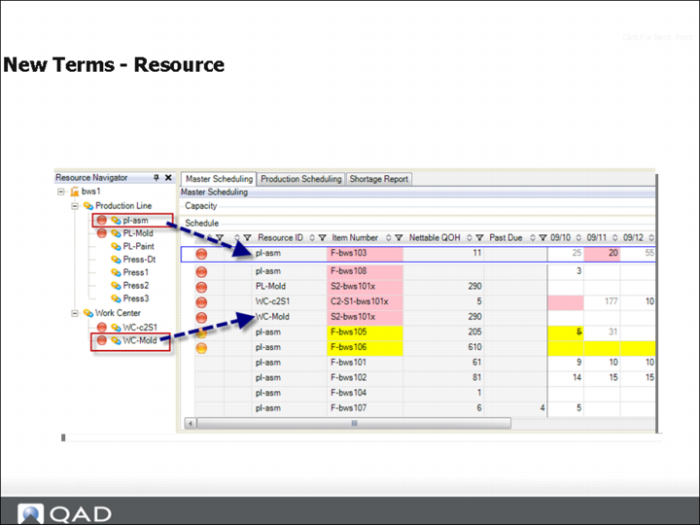
A resource is anything that adds value to a good or service in its creation, production, or delivery (APICS definition). For the workbench solution, this refers to scheduling on a production line, machine, or work center.
It also refers to number of production lines, work centers, machines, people, tools required to produce a production order (resources per).
Schedule a Repetitive Item Multiple Times per Day Section
Schedule a Repetitive Item Multiple Times per Day
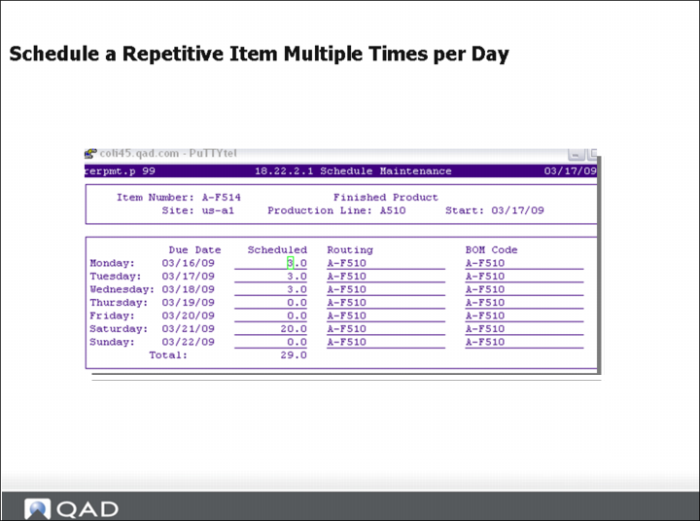
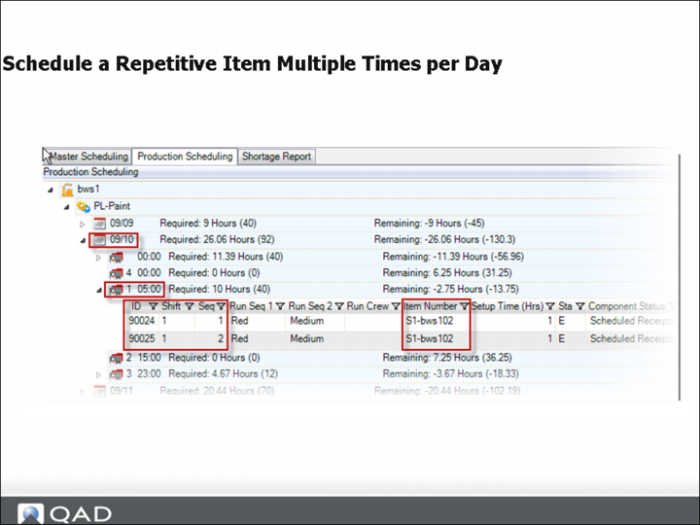
Prior to the introduction of MSW, there was no way to schedule a repetitive item multiple times per day. You can schedule standard repetitive items in the MSW, multiple times, within the same day.
Additionally, standard repetitive backflush and reporting information displays in the MSW.
Solution Approach
Solution Approach
MSW provides you with the ability to production schedule an item within a release date, a shift, with multiple instances.
Manage Repetitive Order Details Section
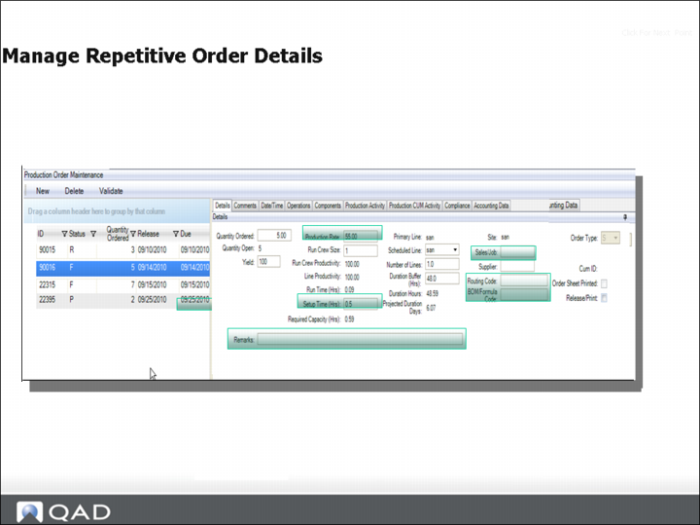
Manage Repetitive Order Details
Prior Limitations and Challenges
Before MSW, the system provided no ability to access/modify the production order details.
Business Needs
Do you:
• Add special instructions to a production order?
• Link the customer order ref ID to the scheduled order?
What else might be important?
• Changing the BOM/routing
• Modifying the order run rates and setup time
Schedule Discrete Orders on Production Lines Section
Schedule Discrete Orders on Production Lines
For customers who schedule discrete orders, Work Order Maintenance (16.1) was essentially the only tool/UI for master scheduling orders.
You could see your capacity consumption at the work center level, but this information was only marginally helpful, as it provided a very limited view of the full demand/supply picture.
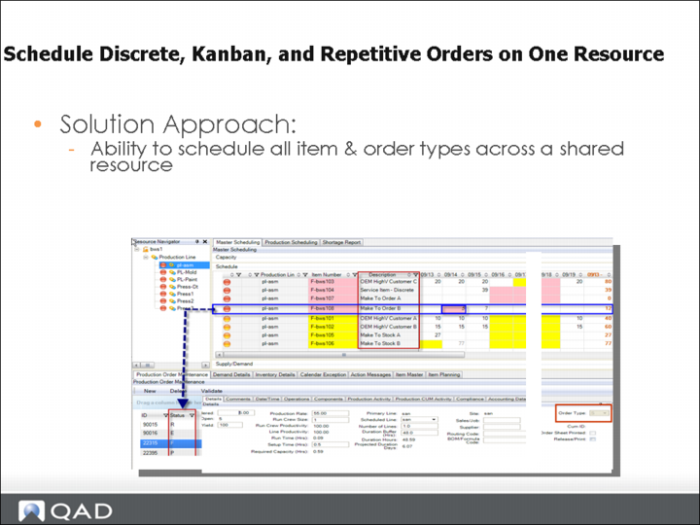
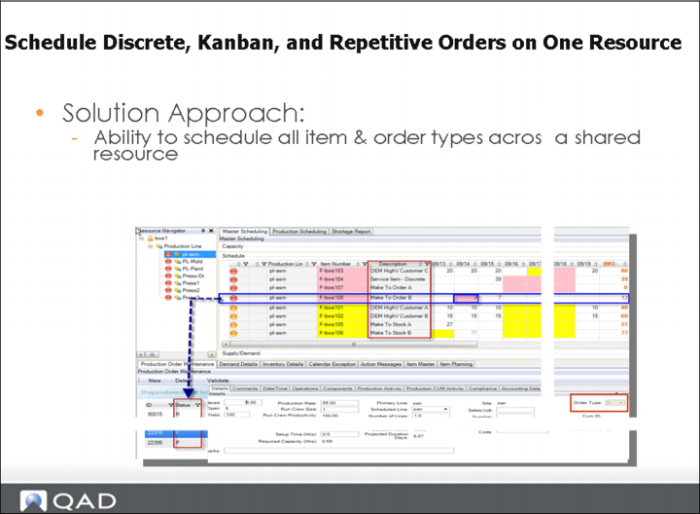
Schedule Discrete Order on Production Line: Solution Approach