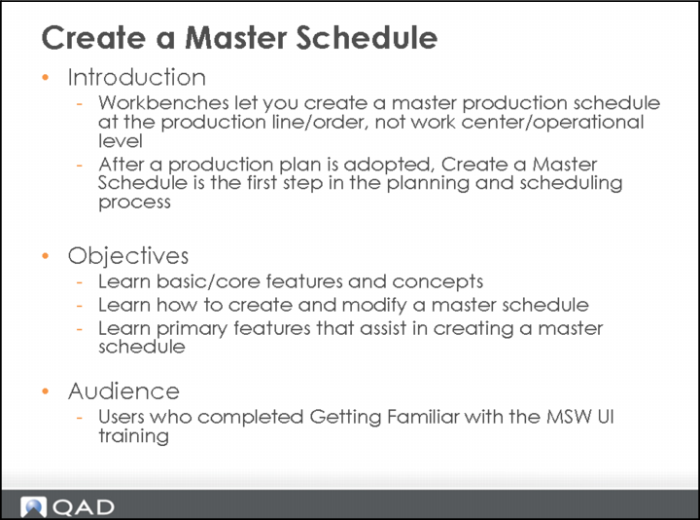
Create a Master Schedule
In Learning Central, the following training course corresponds to this chapter:
Planning and Scheduling Workbenches: 3. Creation of a Master Schedule - Functional Detail - 2011 Launch, code PLM11-1210.
Note: This training course includes videos for both Chapter 2 and Chapter 3.
Play the video within the course with this chapter. The video informs you when to stop the video and take the hands-on lesson.
Overview
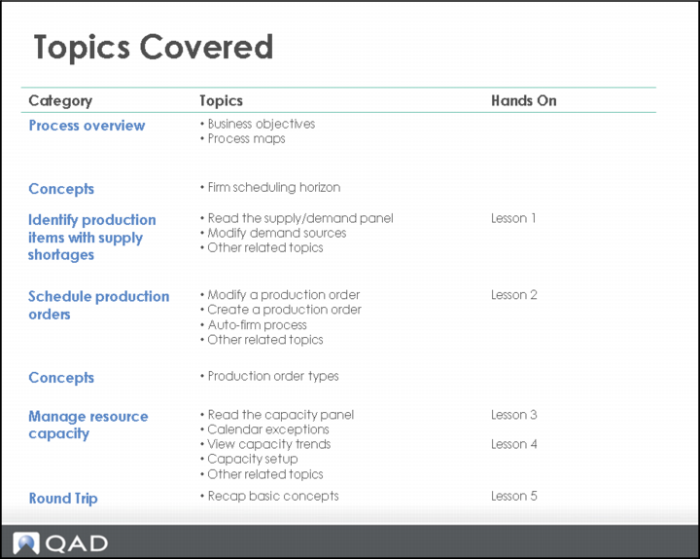
Topics Covered
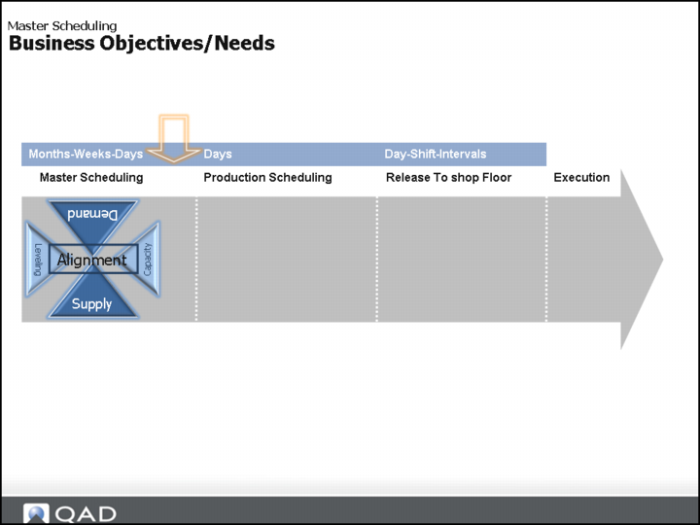
Process Overview: Business Objectives
Master Scheduling Workbench (MSW)
The MSW increases master scheduling efficiency by letting you simulate and commit scheduling changes, factoring demand, supply, inventory, production orders, and MRP data from several QAD EE programs in a single workbench.
You can use the MSW to interact with production line and work center schedules and make changes where necessary. Within MSW, you can update the production order status, as well as release, create, or close production orders, while considering all supply, demand, and capacity sources from the single workbench. You can also identify items with demand issues, and check component availability for each production order to be released
.
Business Objective | Business Need/Approach |
Deliver to customer demand with shortest lead-times possible Maximize use of resources | Balance demand, supply, and capacity to drive a leveled and feasible plan |
Reduce costly expedites | Create leveled master schedule to drive MRP for mid-term planning to support better execution |
Others? | |
Functions within the workbench let you concurrently manage work center and production lines within a single workbench. You can authorize work or schedule due dates for repetitive schedules on the production line. From a single workbench screen, master schedulers can:
• Split jobs (production orders)
• Reschedule or change the status of jobs
• Maintain job details
• Manage job operation lists
• Schedule alternate jobs
• Release jobs
• Export schedules
Note: MSW does not support co-/by-products.
Comparing Current Process to QAD EA 2010.1 Process
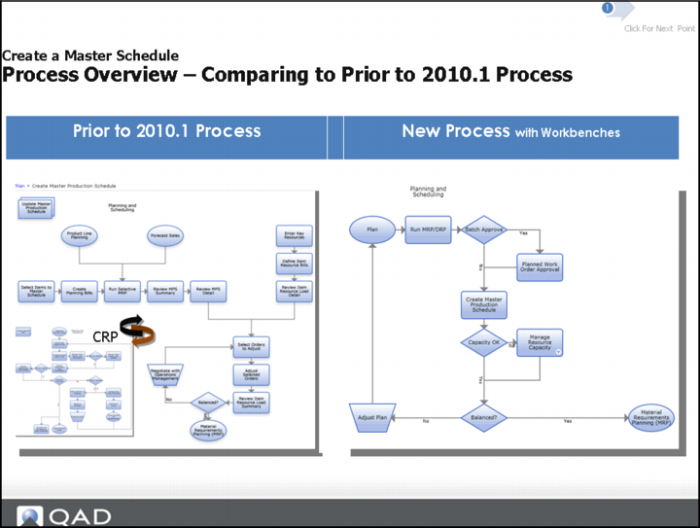
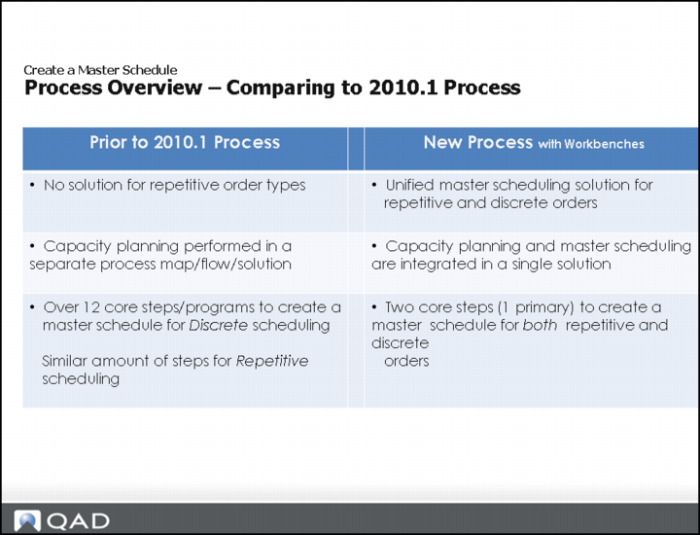
Before, the process of planning and scheduling was an iterative one. That is, planners and schedulers typically ran MRP; determined changes to the master schedule, then made updates; ran CRP to verify a balanced capacity; adjusted the master schedule for capacity issues; re-ran MRP to calculate materials; then, repeated this process for BOM lower levels. These steps were time consuming, and therefore, not feasible for today’s fast-paced and dynamic manufacturing environments.
Now, a new planning and scheduling toolset is available that integrates the master and production scheduling processes into a single application, synchronizing the scheduling analysis and actions into a unified, fluid motion. The toolset includes all relevant data so that you can make intelligent decisions.This is an entirely new solution that lets you effectively and efficiently create a master and/or production schedule from a single view, whether you are in a discrete, repetitive, or mixed-mode environment.
In the process prior to QAD EA 2010.1, CRP was a separate module. In the workbenches, capacity information is embedded within the workbenches.
Steps on the left slide took approximately 12 steps to complete, but on the right hand side, the 12 steps were consolidated into a single step. There was no solution for master scheduling of repetitive items on the left-hand side. The workbenches can do both repetitive e and discrete scheduling.
Comparing Current to 2010.1 Process (Continued)
MSW and PSW features let you build plans and schedules in less time, meeting customer demands while at the same time optimizing the shop floor. Creating a schedule is only one part of the equation, though, as material availability determines if the schedule can execute.
Note: Several integrated material shortage-monitoring features are also available to help you make realistic and intelligent planning and scheduling decisions.