Components (Demonstration)
Resource (Navigator) Panel
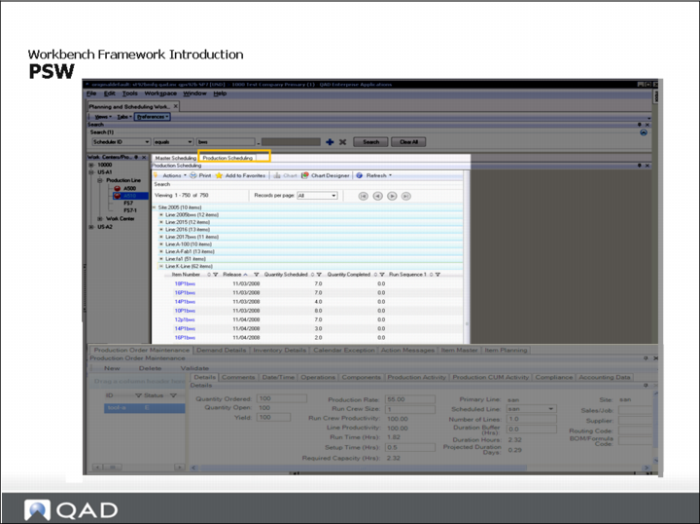
Based on your selection criteria, the Resource (or navigator) panel displays the sites and resources and defaults to the first record. Resources are grouped by site and resource type; however, the PSW lets you schedule only production lines.
When you click on a production line resource in this frame, the Sequence Grid displays only those items associated with the selected resource.The Resource Navigator Frame highlights each resource with a POH shortage icon when one or more items associated with the resource have a POH shortage within the resources's defined scheduling horizon.
Search Panel
Use this area to select resources and items to schedule. The selection results are limited to sites that you can access, based on security records defined in Site Security Maintenance (36.3.15). Additionally, if you are in a multiple-domain environment, the system only displays sites in domains that you can access based on settings in User Maintenance (36.3.1)
Supporting Frames
The supporting frames support both the MSW and PSW. They include Production Order Maintenance, Calendar Exceptions, Demand and Inventory Details, and so on.