Entering RDP
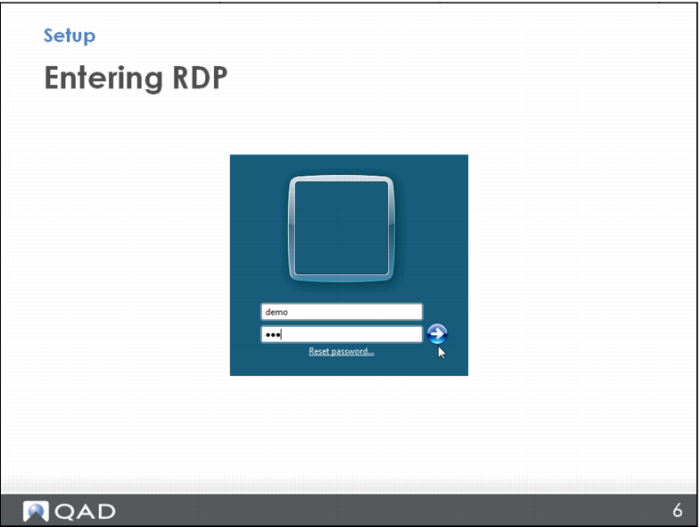
On the next login screen, use ID: demo and PW: qad, then click the arrow to open the remote desktop.
Note that you can double-click on the title bar at the top of this screen so that you can still see your own desktop system tray (and have access to your applications there) while you’re in the remote desktop session.