Overview of Process Editor
In your company, perhaps you do things a little differently than the standard QAD process – maybe you have a few different steps. For example, maybe you have an option to contact the Help Desk for assistance or to get authorization before proceeding to the next step.
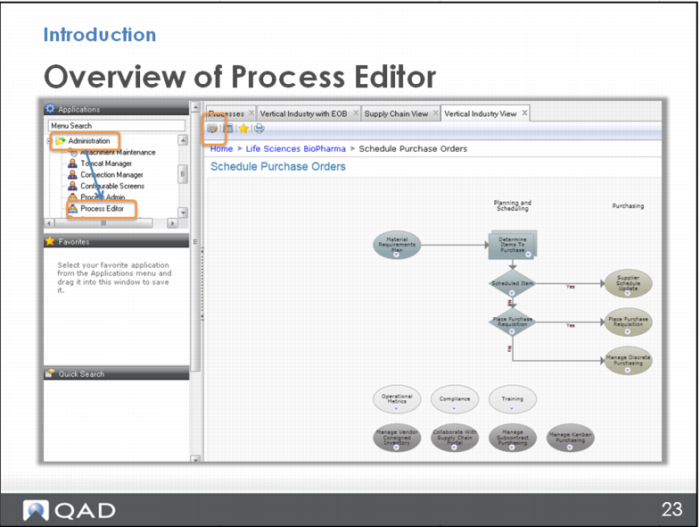
You can customize the standard process map in the Process Editor, which you can open from any process map using this icon in the upper left. Or, you can open the Process Editor from the Administration menu on the left.
Note: You can also type “Process Editor” into the field at the top of the menu to search for it. If you are going to use the Editor a lot, you can drag the item down to your Favorites section, too.