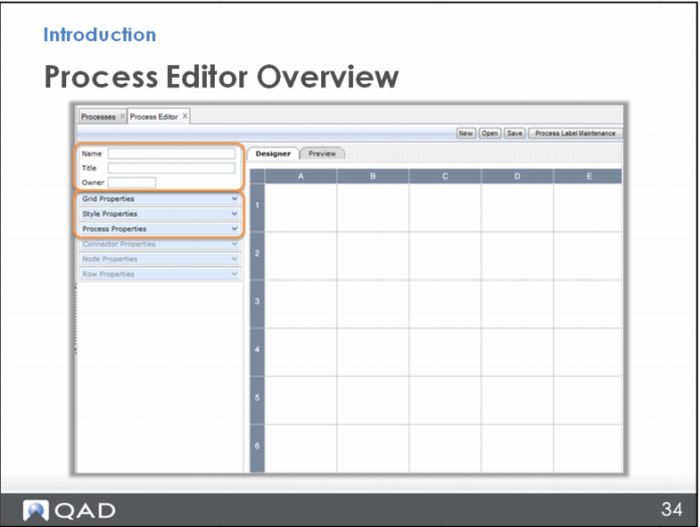
Process Editor Overview
To make these edits, you use some of the menus on the left.
In the top section, you name the map.
In Grid Properties, you can adjust how many rows and columns there are. (You can also do it from the row or column headers using the plus or minus sign.) You can also change other properties like the row or column height and width.
In Style Properties, you can set up standard node styles. The default is a blue rectangle, but there are many more styles that have other shapes and colors. QAD has already provided a set of styles, so Style Properties would only be used if you wanted to add another one.
Process Properties is not something you typically use very often. It is also in another place called Process Admin, which is covered in a later section.