Process Editor Overview
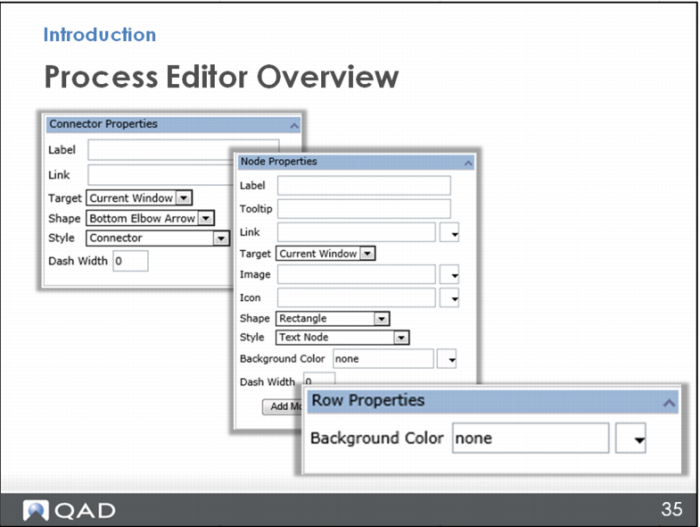
When you click a connector, the Connector Properties opens to let you choose the style of connector you want between nodes.
When you click a node, Node Properties opens to let you set up the node itself with a shape, color, and links.
When you click a row or column, the properties window opens to let you change the color of the whole row or column.
Later parts of the training provide more information about these properties.