Assignment and Next Step
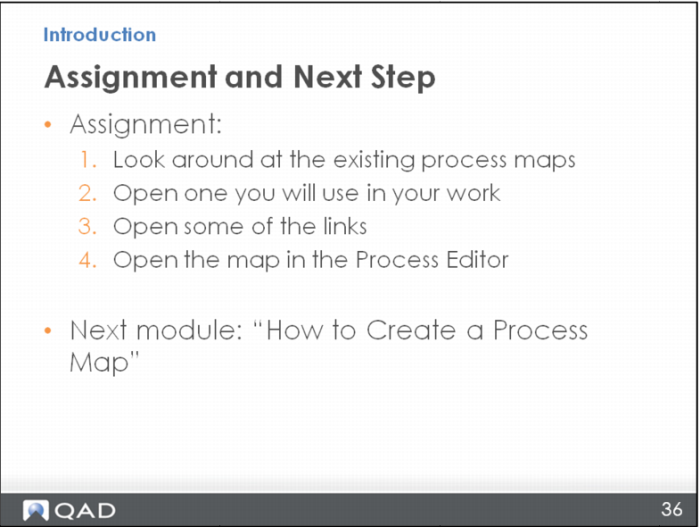
Do this assignment to practice using the things you have learned so far:
1 - Open Processes/Process Maps and look around at the existing process maps.
2 - Search for and open a process map you would use in your daily work.
3 - Open some of the links.
4 - Open the process map in the Editor using the icon shown earlier (in the upper left of the screen).
Next, you will learn how to create a new process map. Even though most of your editing work will be done to existing maps, learning to create an entirely new process map, from a blank screen, will help you learn about the maps better, so editing them will be easier for you later, once you understand the basics.