How to Create a Simple Process Map
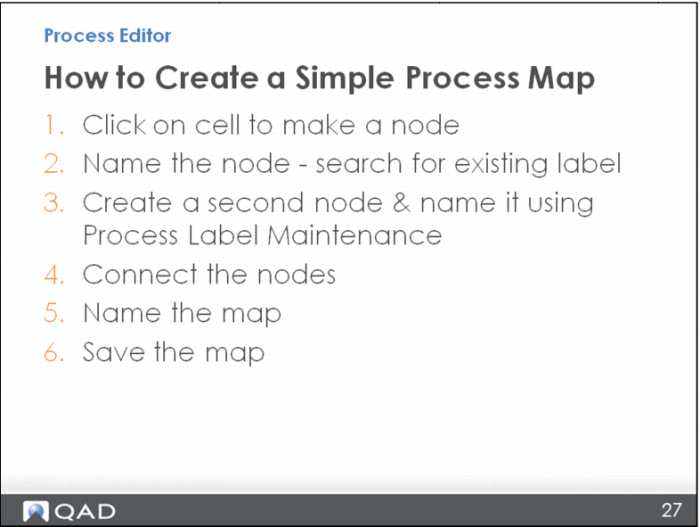
In review, here are the steps used in this module to create a simple process map.
• First, click a cell to make the standard, default node, which is a blue rectangle.
• When you click the cell, the Node Properties box opens on the left. There, name the map by searching for an existing label.
• For the second node, create a new label with a key in Process Label Maintenance.
• Connect the nodes.
• Follow a naming convention to name the map, and save it.