Nodes
>
Other Node Properties
Other Node Properties
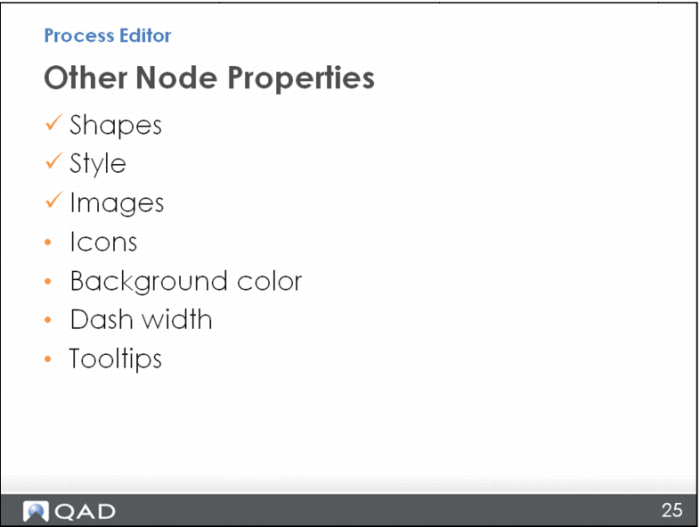
Here is what you have learned so far: shapes, style, and images. There are a few other miscellaneous topics to learn about node properties: adding an icon to a node, or a background color; changing the border of the node to a dash line; and entering a tooltip – some text that will pop up when you hover your mouse over a node to give you a little supplemental information.