Nodes
>
Other Node Properties
PPT
Other Node Properties
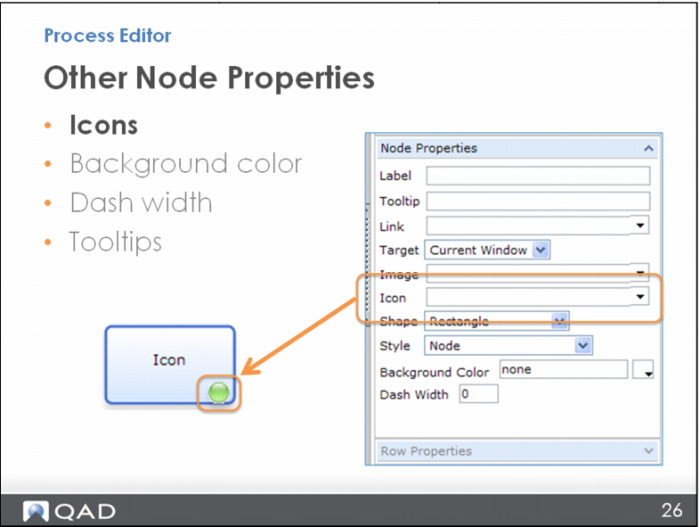
You can select an icon image to display in the lower right-hand corner of the node, much the same as you would add an image – just select the icon image from a file on your computer.