Summary
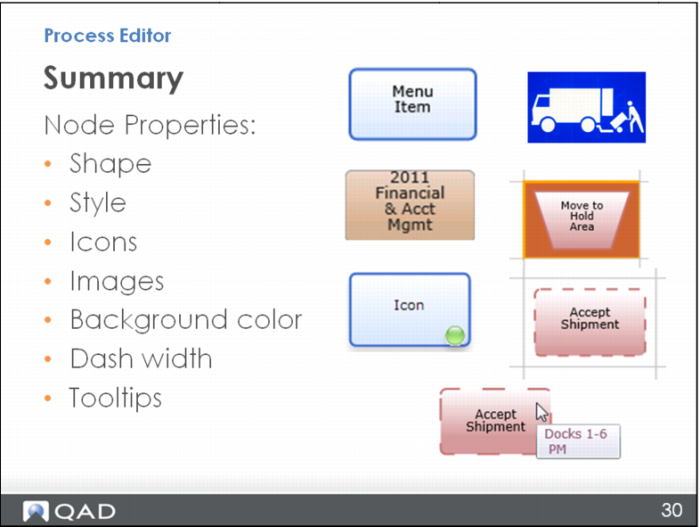
This section has covered different shapes and styles that you can use for a node so you can visually show its purpose. You learned how to change a node into an image and add an icon. You also learned how to change the background color of a cell and the border of a node to become a dashed line.