Connectors
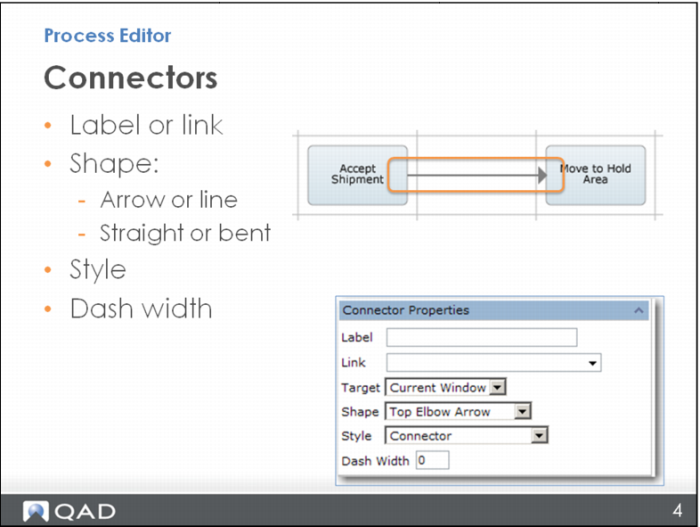
When you click a connector, the Connector Properties menu opens to let you:
• Add text to label the connector
• Link from it to something else (and have it open in the current window or a new one)
You can also determine the shape of the connector: do you just want it to be a line? Or do you want it to be an arrow? Is it going to go straight from one node to the next, or will it have a bend?
You also determine the connector style and the dash width – if you want the border of the connector to be a solid or a dashed line.