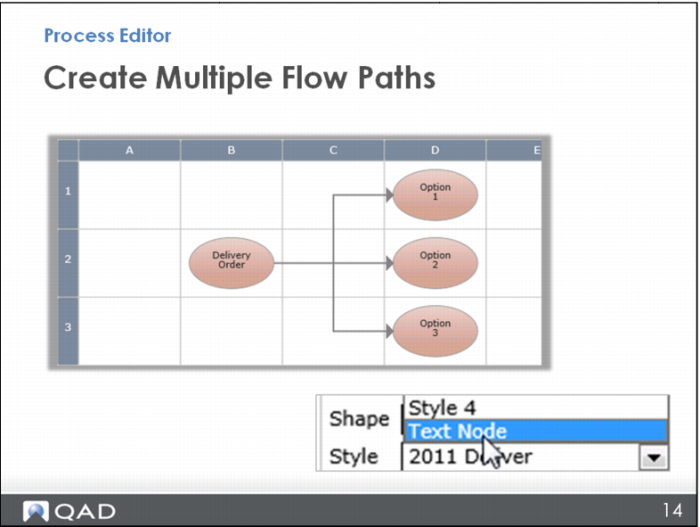
Create Multiple Flow Paths
You can then delete them (or make them transparent) and still leave the connectors showing. To delete a node, you simply click on it and hit the Delete key. To make a node transparent, you make it a Text Node style and do not enter any text. It just becomes a transparent node that you can connect to.