Links
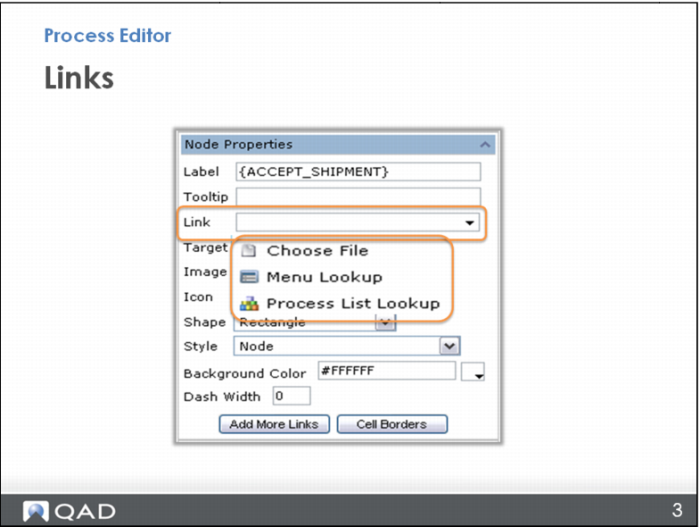
In the Process Editor Node Properties, you can see the options to link to a file, a QAD program or screen (looking it up in a menu), or another process map (looking it up on a list).
First, link to a file. This could be some training documentation you already have on your system; maybe a work instruction, a list of contact people, a training guide, a page from a training guide, or even a video you have created to show the process. A demo in an earlier section of this training shows how to link to a file using the Choose File option.