Linking to Files
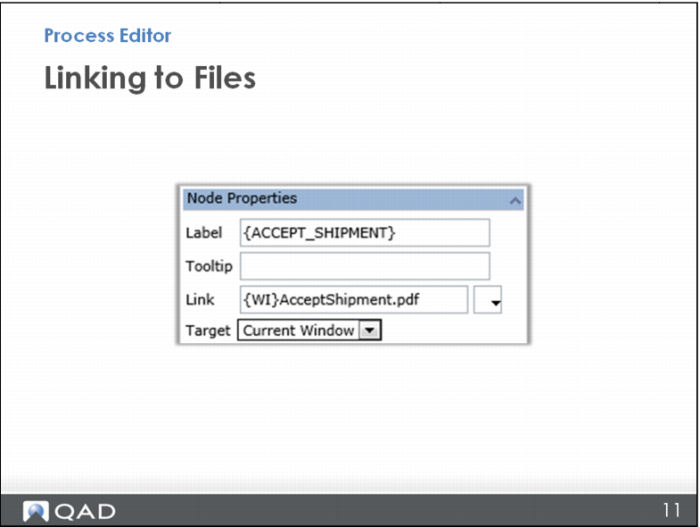
Likewise, if you have created a token called {WI} for where all your work instructions are stored, you would use a curly bracket and then type in WI, closed with a curly bracket, then enter the rest of the file name; for example, AcceptShipment.pdf.
Your next option is to define whether the file will open in the current window or in a new one. Note that whatever you choose in this first link defines the way the rest of the links open in this process map: either in the current window or a new one.
In this case, choose to have the link open in a separate, new window when it is selected.