Linking to Files
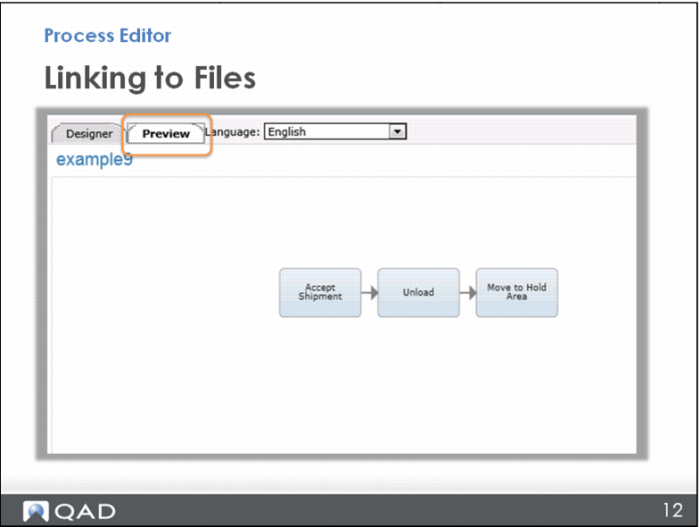
Before moving on, you should test your new link.
To do that, open the Preview tab at the top .
Important: Preview will only open if you have named your map. So even if you are not ready yet to give the map a formal name, just type something in so you can open the preview. You can go back and change it later.