Linking to Files
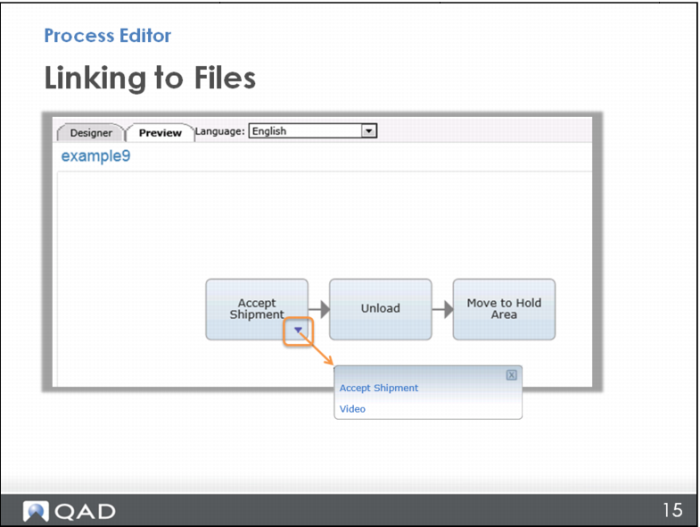
Now open the Preview again.
This time you have the triangle icon for links, and you can choose to open either the work instruction or the video. Note that when you create a link using the first method, the link is automatically named the node name, so the work instruction file is called “Accept Shipment;” but, when you create links the second way, using the Add Links button, you can choose the name “Video for Accepting Shipments.” In fact, if you want to name all your links, just create them all from the Add Links button.