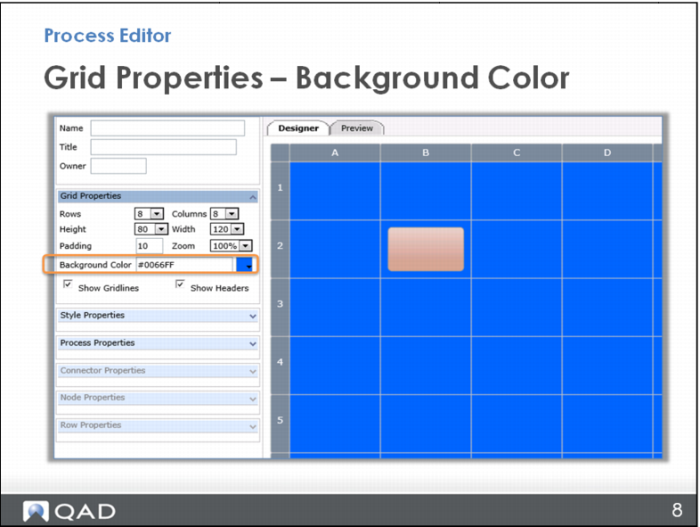
Grid Properties – Background Color
You have the option in Grid Properties to change the background color of the entire grid. The default is white, and you are encouraged to maintain this QAD standard, but you do have the option here. For example, you might change background color on a map that is going to another level of the SCOR model; you link from a Design map to a Planning map and you want to make that distinction. Or, you might change background color when you are showing two different teams that are working together and you want to differentiate the tasks for each.