Grid Properties – Adding and Deleting
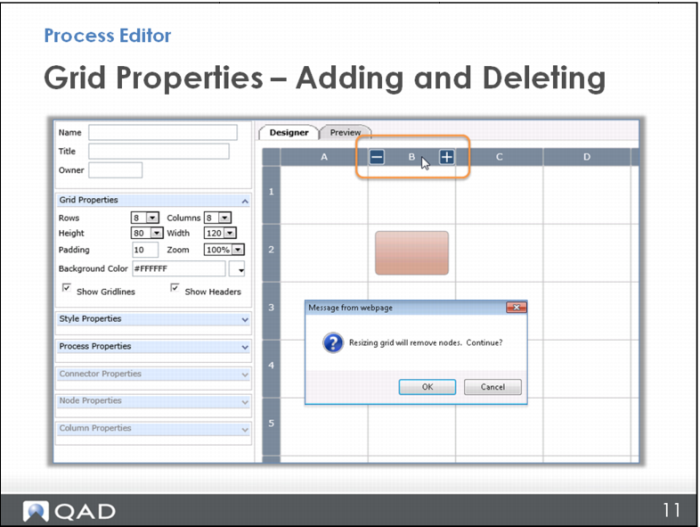
If you are displaying the headers, you can also add and remove columns and rows directly within the grid. When your cursor hovers over the header row, a plus (+) and minus (–) sign appear. Click the plus to add a row or column; click the minus to remove it.
Note: If you attempt to delete a row or column that already has a node in it, you receive a warning message.