Style Properties Menu
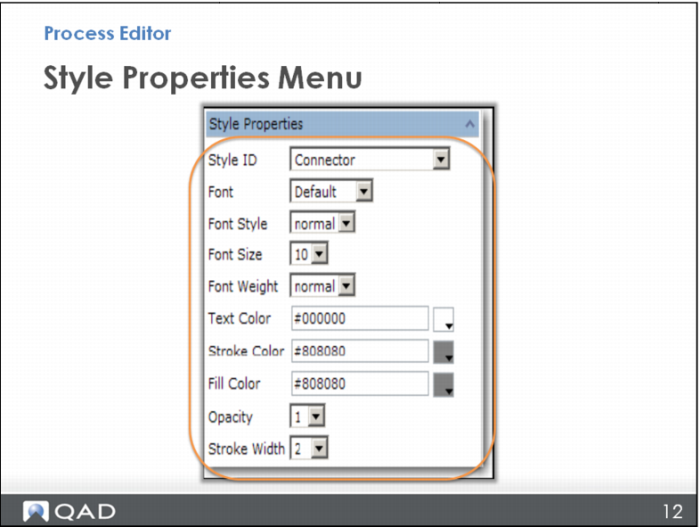
The Style Properties menu in Process Editor is used to change specific styles or designs associated with node shape and connectors.
While the range of options is impressive, you are encouraged to stay within the predefined styles. These styles have evolved over the years to provide consistency across maps, differentiation between maps, and alignment with the global SCOR process model.
Here is a brief reference to the configurable style property fields:
• Style ID: This is the ID of the style.
• Font: The font family associated with labels using this style.
• Font Style: The font style (normal or italic).
• Font Size: The font size (from 7 to 36 points).
• Font Weight: The font weight (lighter, normal, bold, or bolder).
• Text Color: The color of the text.
• Stroke Color: The stroke color to apply to lines.
• Fill Color: The fill color for the node.
• Opacity: A value for opacity. “1” represents a solid label. Decreasing values represent increasing transparency.
• Stroke Width: Choose a value for stroke width, measured in pixels. A higher value represents a wider line.