Row / Column Properties Menu
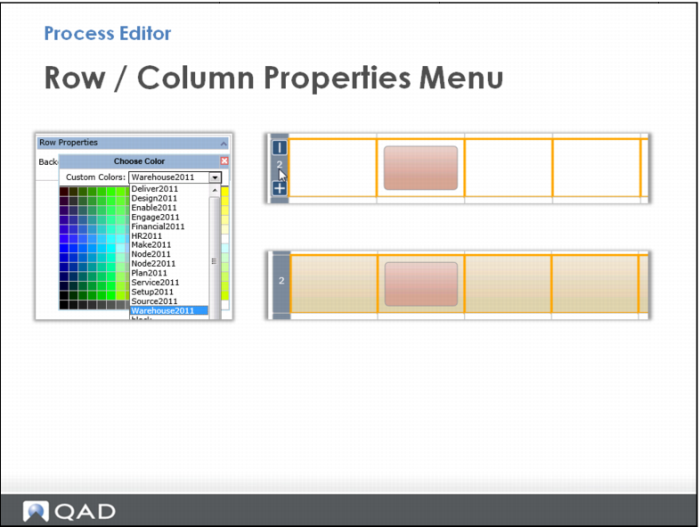
Use Row or Column Properties to specify the background color of an entire row or column.
When you click a row or column, the Properties box opens, where you can select a color from the palette or choose a predefined color.
In this example, select Warehouse2011 and see the changes in the Process Editor.