Back Up Your Process Maps
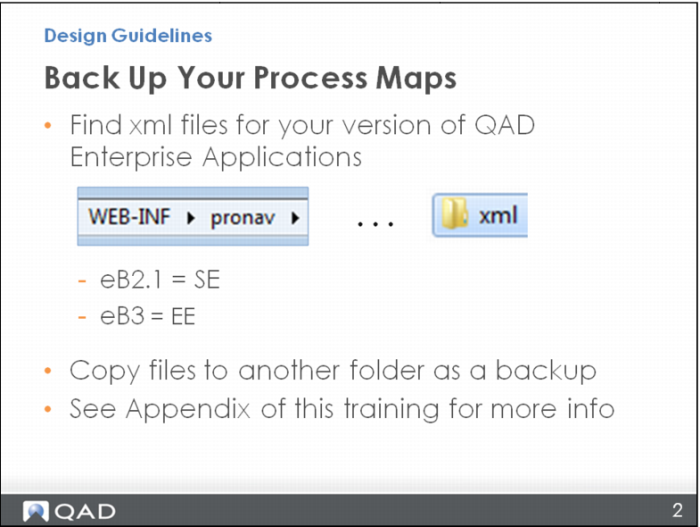
The first tip is to back up your process map files periodically so that if you make changes and then want to go back, you can. Basically, the process maps are stored as xml files. Follow the path to a directory called “WEB-INF” then “pronav” until you see the xml directory for your version of QAD Enterprise Applications. When you see eB2.1, it is for the Standard Edition; eB3 is for Enterprise Edition. Copy the files to another folder as a backup.
Sometimes, though, it is difficult to find the directory—for example, in an On Demand environment—so you should work with your QAD team to get the files and do the backup.
Reference the appendix of this training for information on how to do this.