Copying a Map
You could just modify this existing, standard QAD process map, or you might want to make a copy of it first and work from there, renaming it to reflect that it is your own company’s map.
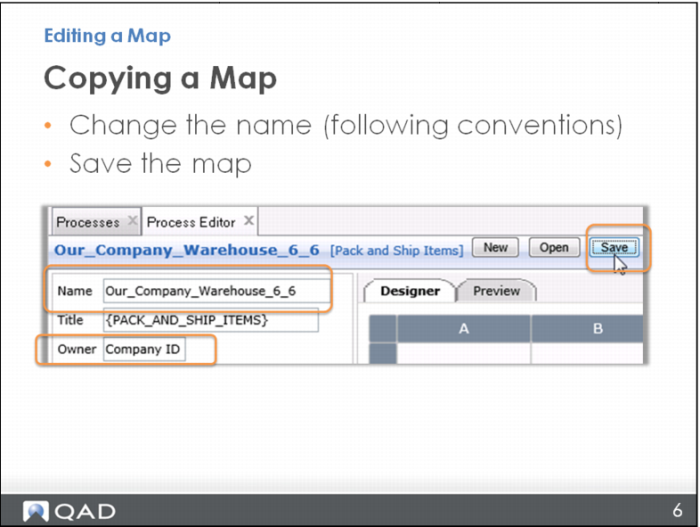
To copy a map, open it in the Editor using the left menu (not the Editor icon from within the map itself).
Once the map to be copied is open in the Editor, you simply rename it and save it. Use your naming convention to begin, and then you probably want to keep the rest of the name pretty similar to the original.
You also probably want to change the owner of this map to reflect that it is yours, and not QAD’s.