Exercise 1: Review Accounting Records
1 Review Domain/Account Control (36.9.24). Use the next button to cycle through all the screens to ensure that all account fields have a value in them. Not all sub-account or cost center fields will have values. You can uncheck the Verify GL Accounts selection.
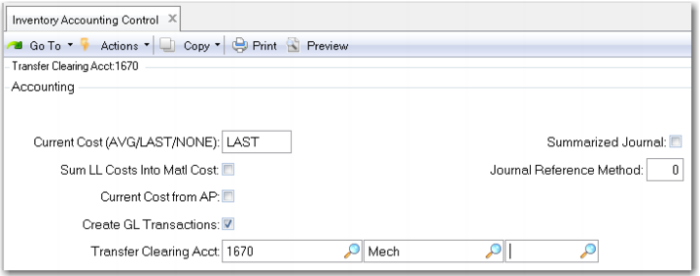
2 Review Inventory Accounting Control (36.9.2). In QAD SE this is Inventory Control (3.24). Set the Current Cost field to LAST. This allows the system to update current costs automatically based on the last purchase cost or work order cost and ensures the system will generate variances when these costs differ from the GL or Standard cost. The use of average costing is covered in another course.
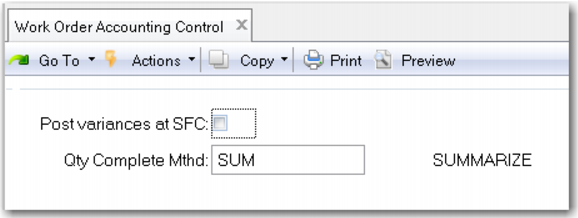
3 Review Work Order Accounting Control (36.9.11) (in QAD SE this is Work Order Control) and uncheck the Post Variances at SFC (Shop Floor Control). This will reduce the number of variance transactions generated by the system by waiting until work order close to generate variances. Leaving this field checked will post variances (if there are any) every time shop floor transactions are created. For example a person works all shift on a complex machining operation but does not finish. They record 7.5 hours of work but no units completed. This creates a variance. The variance will be offset once the units are completed but the transaction has already posted. You should consider the nature of your manufacturing operations and the impact of how transactions are made before setting this field.