Exercise 13: Current Cost Set Move to GL Set
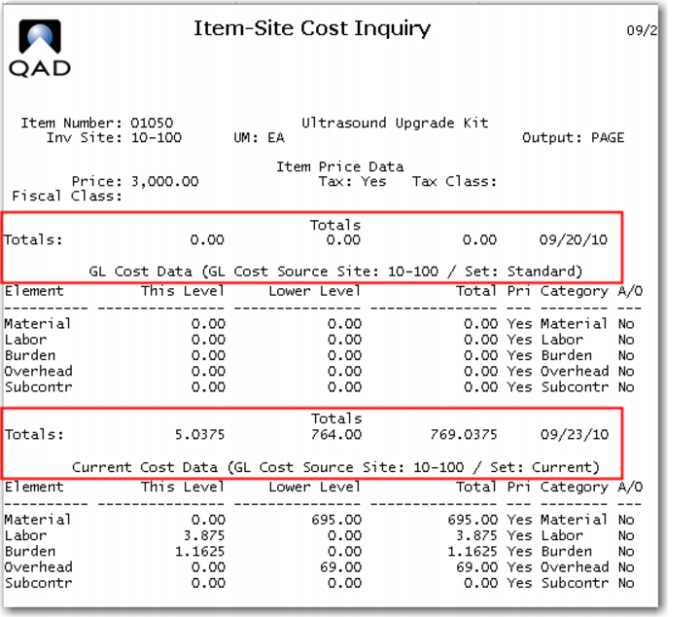
Now that we have the costs for the new item you need to copy them to the GL Cost Set. Recall that all transactions are costed at GL Standard. Since you have been working only in the Current Cost Set, there is no GL cost for the 01050.
However the components do have Current and GL costs in the database and you want to update all of them to your new values.
1 Use Item Site Cost Inquiry (1.4.10) for item 01050 at site 10-100 to verify the current costs and see that there are no GL costs.
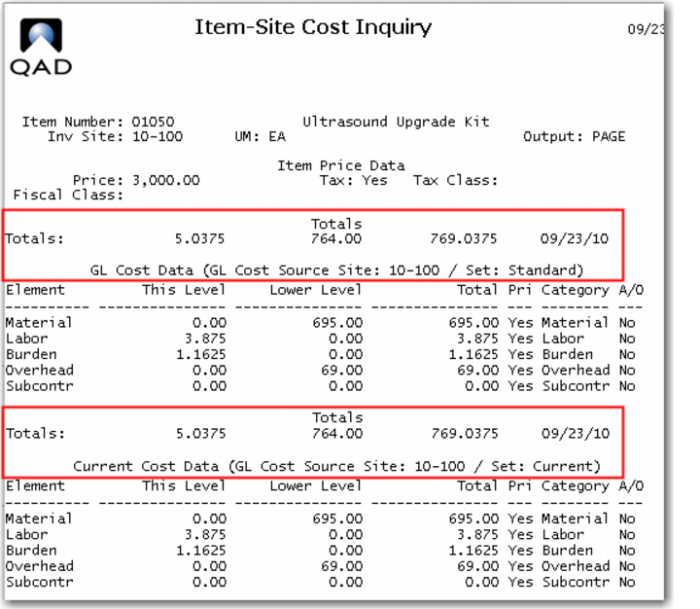
2 Use Current Cost Set Move to GL Set (1.4.22) to move the current costs for all items to the GL Cost Set. Specify Site 10-100 and leave the Item number from / to fields blank, this will move all current costs. Be sure to put a ? in the percent change allowed from / to fields.
Review the Item Site Cost Inquiry (1.4.10) for item 01050 at site 10-100 to verify the current costs have been copied to the GL cost set.
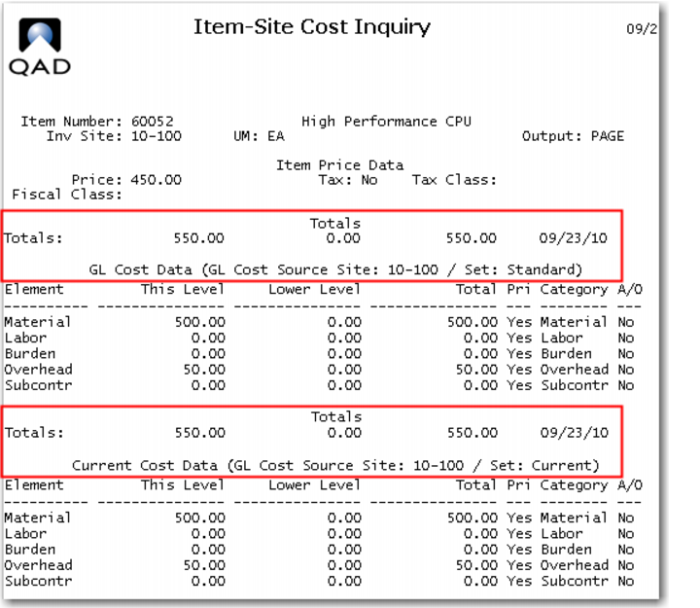
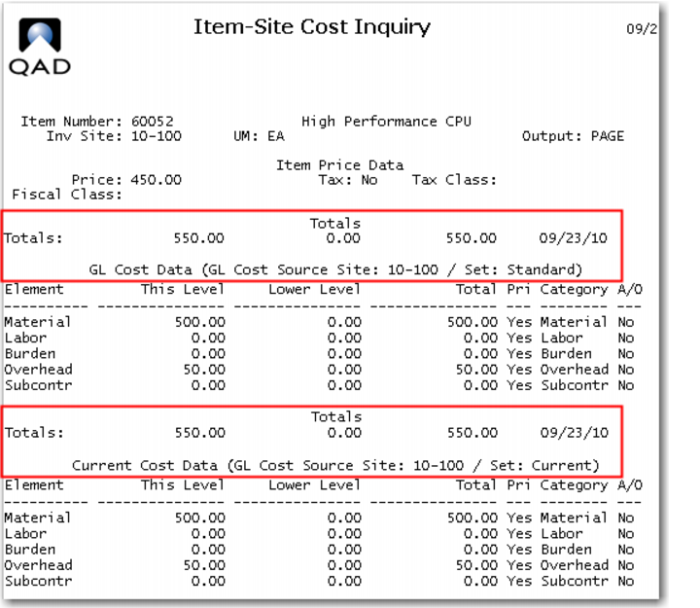
At this point all costs at all levels in both the GL Cost Set and the Current Cost Set should be equal. You can check a few other items to verify the transaction worked as expected. The Item Site Cost Inquiry for the 60052 High Performance CPU is shown by example.