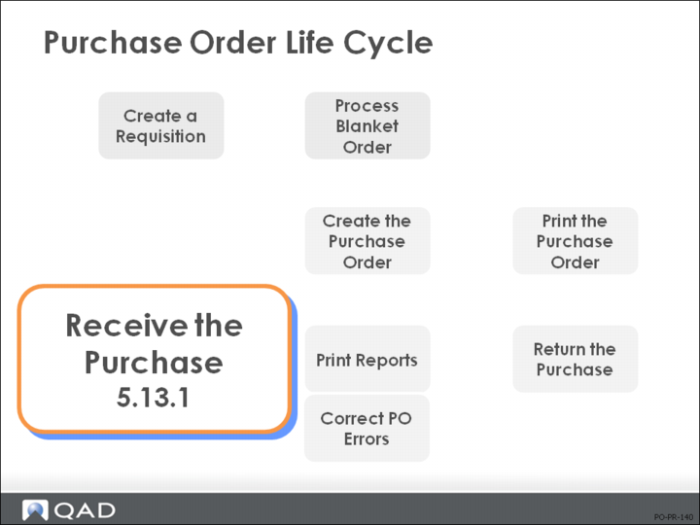
Receive the Purchase
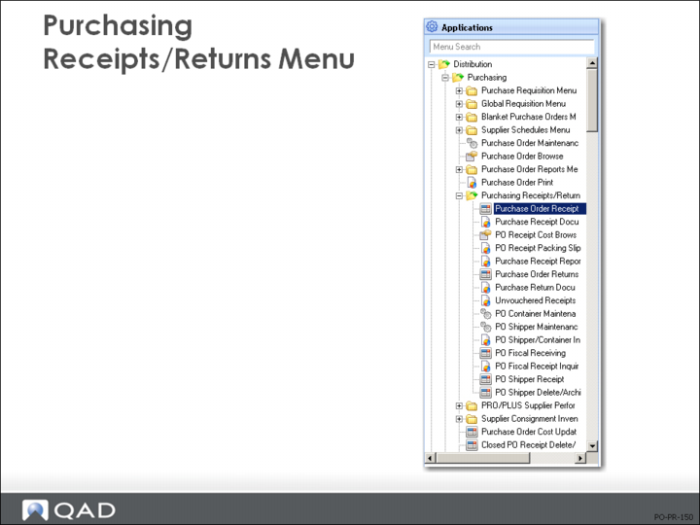
Purchasing Receipts/Returns Menu
PO receipts and returns are accessible from the same menu
• Purchase Order Receipts (5.13.1): use this program to receive POs and shippers
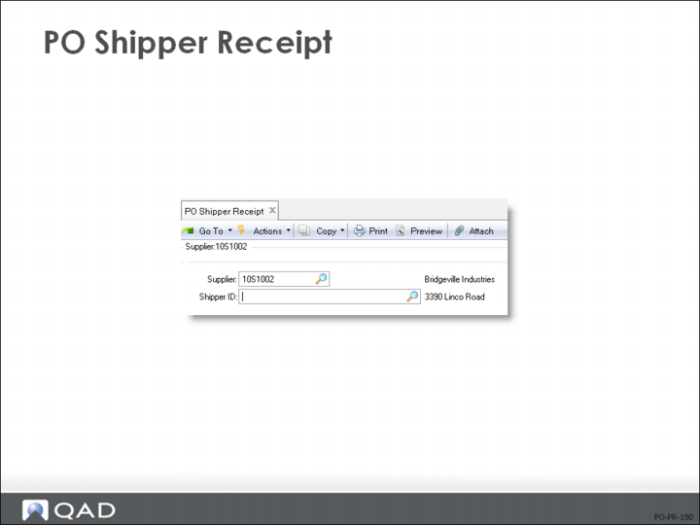
• PO Shipper Receipt (5.13.20): use this program to receive shippers
This menu also lets you edit and maintain shippers and containers. These are normally tied to an advanced shipping notice (ASN) sent to you through EDI.
• Shippers contain containers and can be received in their totality
• Containers can contain other containers as well as items
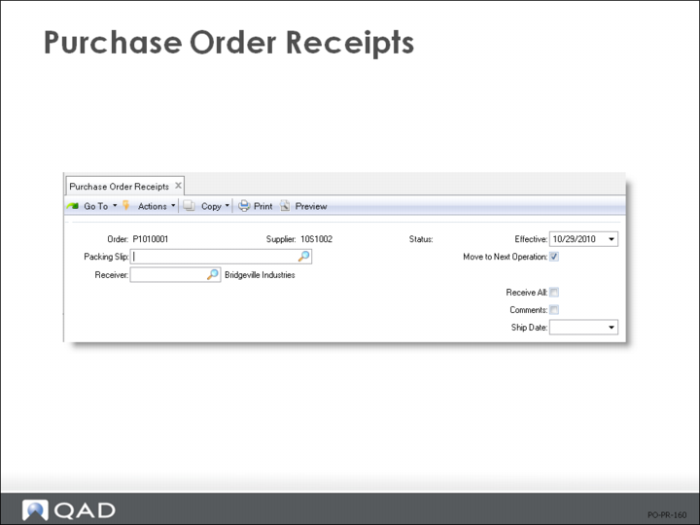
Purchase Order Receipts: Header
• Record the PO number, the packing slip number (optional), and assign a receiver number
• Leave the receiver number blank if you want QAD Enterprise Applications to assign the next number automatically
• You can move subcontracted items to the next operation, set the quantity default to zero or the quantity ordered number, and choose to attach comments to receiver
Receivers
Receipts generate receivers that can be used by Accounts Payable or to attach to items as travelers
• Receivers do not have to be printed if you do not use them; however, you will want to delete/archive them occasionally
• Receivers are created automatically and verify the supplier's invoice when it is entered into Accounts Payable
• The purchase price shown on the receiver can be used to update the current cost of an item
• GL transactions for the item are performed at standard cost
• QAD Enterprise Applications tracks both vouchered and nonvouchered purchase receipts
Both should be archived or deleted periodically
Receive All
Indicates whether the purchase order is received complete, with all line items delivered in one shipment from the supplier
• This field defaults from the Receive All field in the Purchase Order Control
• It can be changed manually on any receipt transaction.
Three variances are tracked:
1 When an item is received, there might be a variance between the PO price and the GL cost. This is posted to the PO price variance account.
2 When an item is invoiced, there might be a variance between the PO price and the invoice price. This is posted to an Accounts Payable rate variance account.
3 When an item is invoiced, there might be a variance between the quantity received and the quantity invoiced. This is posted to an Accounts Payable usage variance account.
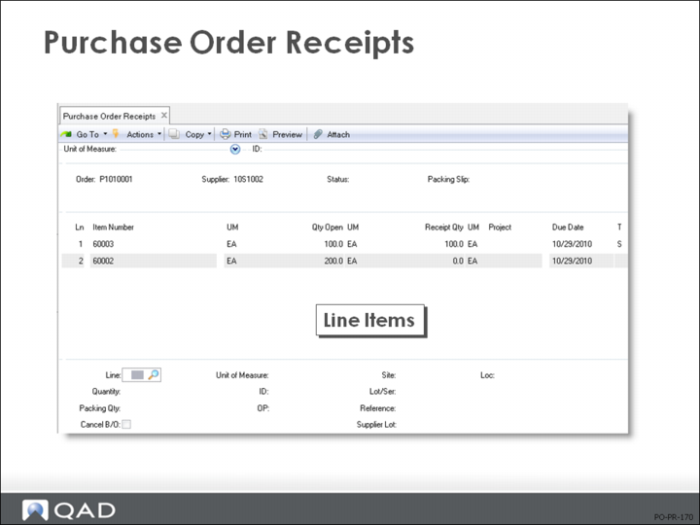
PO Receipts: Line Items
• For each item, record the quantity received, the site and location information, and whether to cancel any backordered quantity
When a line item is fully received, it is flagged closed (Status = C) in Purchase Order Maintenance (5.7)
Partially received line items can be canceled (Status = X) during Purchase Order Receipts if Cancel Backorders = Yes in Purchasing Control (5.24)
• MRP does not consider closed or canceled lines, and you cannot process receipts or returns against them
Instead, you must reopen them by changing the Status field
• Once all lines on a PO are closed or canceled, the PO Status is set to [C]losed and it can be deleted and archived
Note: You can process a return against a PO with the original line closed, without having to change the line status. If specified, the RTS function will reopen a closed PO and create a new line on it for the items being returned.
• You can record receipts against both purchase orders and supplier schedules in Purchase Order Receipts (5.13.1)
More than one line item can be processed in a single transaction
You can correct errors made in receiving by entering negative quantities in Purchase Order Receipts (5.13.1); however, you might have to reopen a purchase order line to do this
• If the cumulative quantity received for a scheduled order line exceeds the maximum order quantity for that line, the system displays a warning message
• When you record a receipt, the system records three history records:
Purchase receipts
Inventory transactions
Inventory GL costs
These records are used for accounts payable, variance reporting, and supplier performance reports
If you receive deliveries from more than one supplier on the same day for the same order, you should enter separate receipts to simplify vouchering in Accounts Payable
PO Shipper Receipt
This is an optional process.
• Confirm Shipper takes a supplier's shipper, or advance shipping notice, and receives that shipment into inventory
• You can receive a shipment either here or in Purchase Order Receipts (5.13.1)