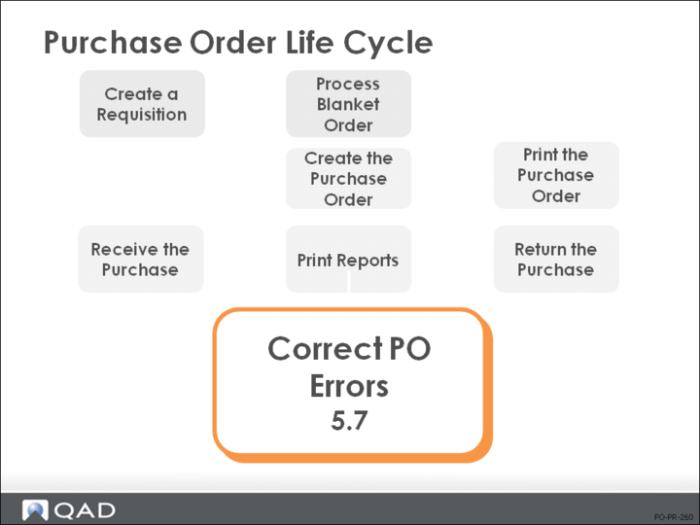
Correct PO Errors
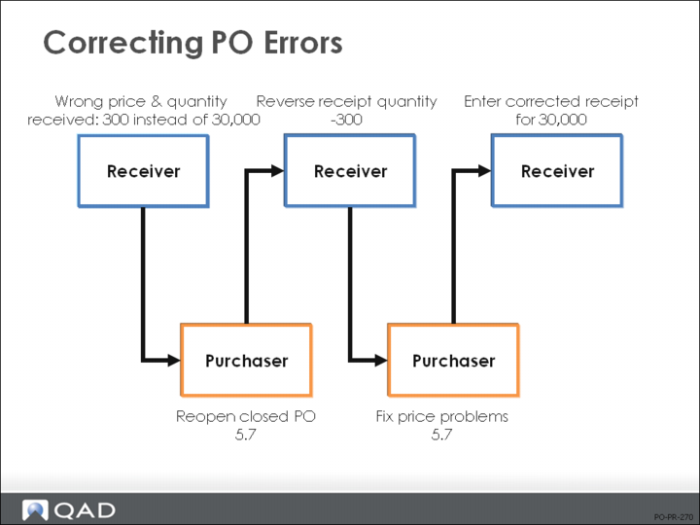
PO Corrections Flow
Correcting these errors involves employees in both receiving and purchasing.
Important: If you need to correct a transaction within the system, completely reverse out the incorrect transaction (in this case, receive a negative amount) and then enter the correct transaction. If you only enter the difference between the two quantities, the audit trail is more difficult to follow.
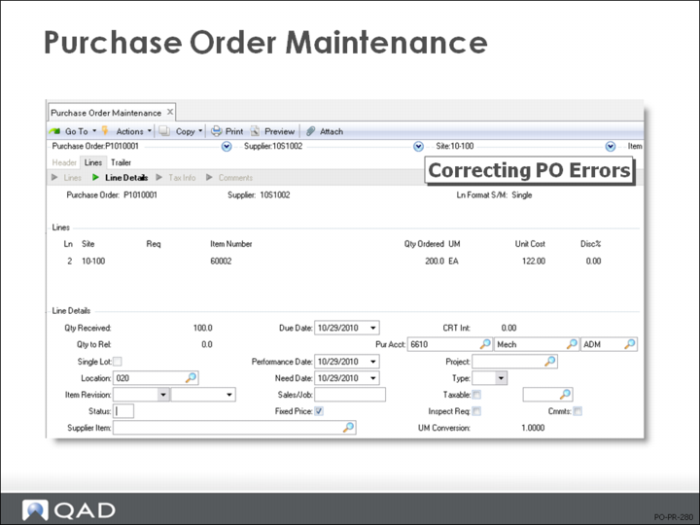
Purchase Order Maintenance
• Ln Format must be single to correct these errors
• Reopen the PO by setting the Status field to blank (C = closed, X = canceled)
The line item is automatically closed when the quantity is completely received
It can be closed when only a partial amount is received if you set the Cancel Backorders field to Yes in the PO Control
• Fix any costing errors in the Unit Cost field
Summary