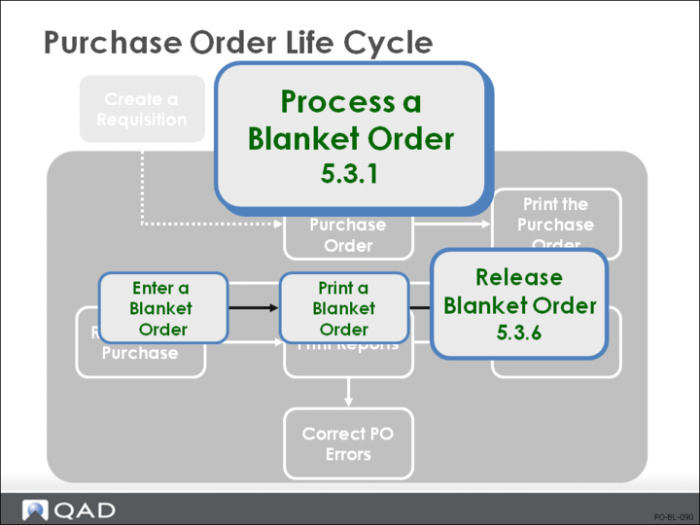
Release Blanket Order
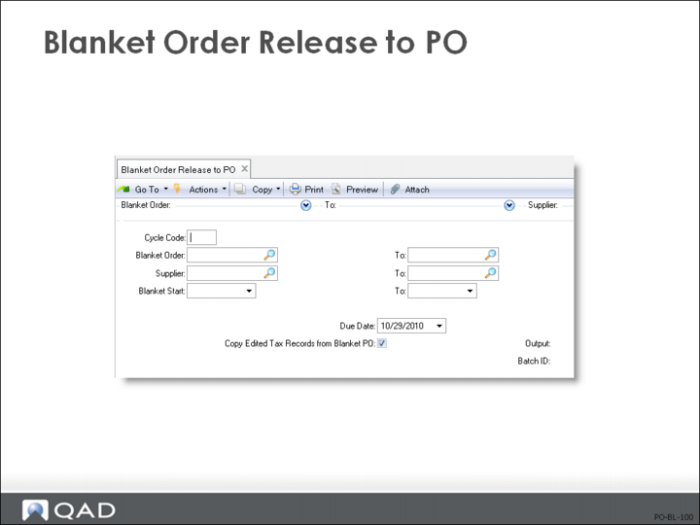
• Blanket Order Release to PO (5.3.6) generates purchase orders for open blanket orders that are ready for release
• This function should be password-controlled
Blanket Order Release to PO (Optional)
When a delivery is to be released against an outstanding blanket order, the system can automatically generate the purchase order from the blanket order. The system generates a purchase order for each blanket order released. The PO number is the blanket order number followed by a sequential release number: blanket order 123456 generates POs 12345601, 12345602, and so on
The Blanket Order Release to PO (5.3.6) function creates orders based on the blanket order Release, Cycle Code, and line item Quantity to Release values. It only considers blanket orders flagged with Release = Yes and the specified Cycle Code, if any
The PO information is taken from the blanket order. Purchase order lines are created for any blanket order line with a non-zero Quantity to Release. Line item Qty Ordered is set to the Quantity to Release, and Due Date is set to the Due Date on the release. If a due date is entered on the blanket PO line then that due date is used on the released PO. If a line item is closed or cancelled, Blanket Order Release to PO (5.3.6) does not release orders for those items
When you need delivery, enter the quantity to release for each line in Blanket Order Maintenance then set Release to Yes and run Blanket Order Release to PO (5.3.6)
The number of releases and the total quantity released is maintained on the blanket order. Each release checks that the total quantity released does not exceed the blanket order quantity
Note: If you release an item by mistake, use Purchase Order Maintenance (5.7) to cancel or delete the line. This adjusts the quantity open on the blanket order. Do not change the line item quantity on the PO, since this does not update the blanket order.