UI Navigation: Menus
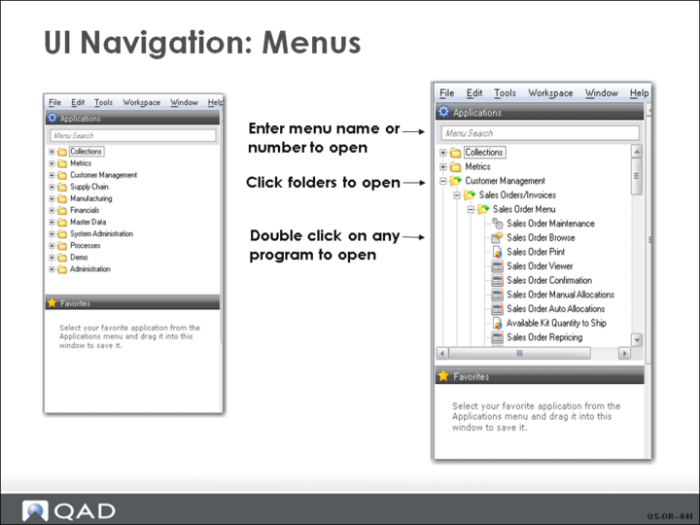
When the system is installed, the default menu organization is automatically loaded. The first menu in QAD EE is the main menu, which groups functions into application-related sections. Each menu folder contains other folders or menus of related business activities called modules.
This example of the menu structure shows the indented format of subfolders and items. Under the Customer Management folder is the Sales Orders/Invoices folder. It contains other folders for various functions required to manage sales orders and related functions such as Customer Schedules and Shipment Processing.
Note: The menu structure for QAD EE has been significantly revised from the QAD Standard Edition. If you are upgrading from a standard version of the system, you will want to familiarize yourself with the new menu structure. Enterprise Financials are completely revised from previous releases. User guides and training guides exist for Enterprise Financials for those who require in-depth knowledge of the new financial functionality.
In order to provide enhanced separation of activities, most of the financial control settings are now updated separately from operational controls. For example, Sales Order Control (7.1.24) under the Sales Order menu in Customer Management now has only the operational control settings for sales orders. All of the financial control settings for sales orders are in Sales Order Accounting Control (36.9.6) under the Operational Acct Controls Menu in System Administration.