Set Up Roles
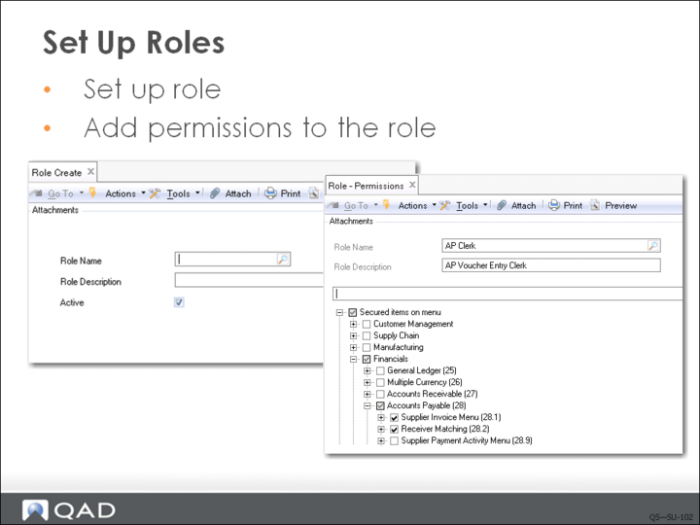
In Role Create (36.3.6.1), enter a name and description to create a new role. During implementation, you can create inactive roles by clearing the Active field. An inactive role cannot be referenced in any functions other than Role Create.
A number of default roles are supplied with the system. Members of these roles are notified by the system when new records are created in finance (customer, employee, end users, suppliers), since additional operation data needs to be specified for these records:
• CustomerNotify
• EmployeeNotify
• EndUserNotify
• SupplierNotify
Two other special roles are supplied with the system:
• qadadmin
• SuperUser
After defining the role names, go to Role Permissions Maintain (36.3.6.5) and associate the system activities that you want members of each role to be able to complete.