Inventory Status Codes
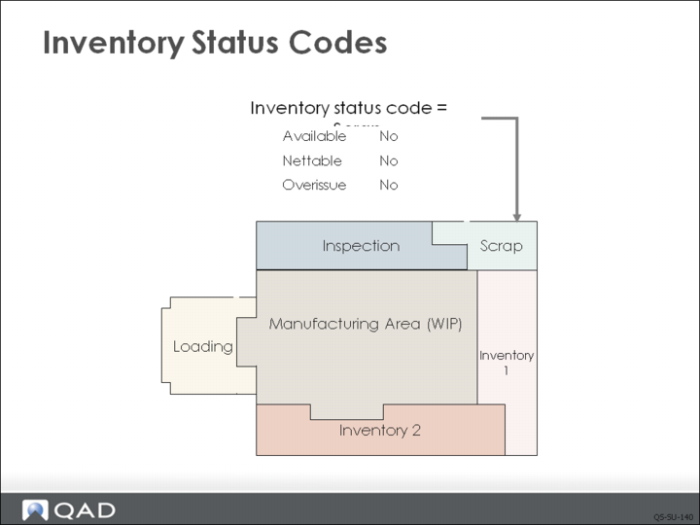
Inventory status codes control your inventory and manage how that inventory is used. Think about how your scrap is managed differently than finished goods inventory or spares. In QAD EE, these different types of inventory are identified by their status codes.
Generic inventory status codes are set up for each type of inventory you have. These identify whether inventory balances of this type are:
• Available to allocate to sales orders and manufacturing orders
• Nettable, to be considered by MRP when calculating net quantity on hand
• Overissue, to denote if this inventory balance is allowed to go negative
Some general guidelines on how status codes are used:
• Scrap inventory would not be available or nettable.
• Material in receiving quarantine is usually not available but is nettable since it is expected to be good.
• Material in material review board is usually not available but can be either nettable or not based on the likelihood of its being approved for use.
• Consignment inventory held for a specific customer is not normally available.
• Negative inventory balances are always errors and should not be allowed.
Note: Not allowing negative balances forces the user to fix the error at its source.
• Inventory in transit is usually not available.
In addition, certain transactions can be restricted. Each inventory status code can have a list of restricted transactions attached. For example, access to sales order issues can be restricted from a Quality Control Hold location.
Whenever items are received into inventory, a status code is associated with that inventory. This defaults to the status code entered for the location but can be changed using Inventory Detail Maintenance. Whenever you attempt to do something with this inventory—allocate it, issue it, move it—the system checks its status code and makes sure that this is a valid action.