Set Up Site
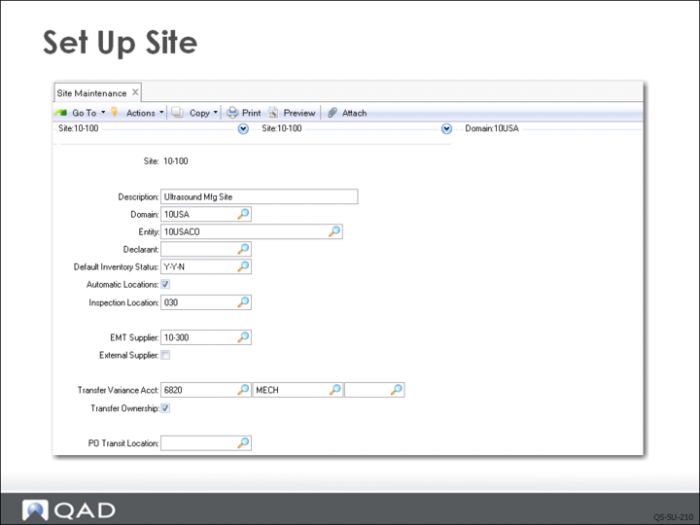
QMI has multiple sites that can be viewed in Site Maintenance (1.1.13). This example focuses on site 10‑100, assigned to domain 10USA and entity 10USACO. Site 10-100 has a default inventory status code of Y-Y-N, which was defined earlier. This code will default to inventory locations created in this site.
Automatic locations is left unchecked, which requires that new inventory locations be set up in Location Maintenance prior to use. If the field is checked, then inventory transactions can be processed for locations that do not exist, and the systems creates them as part of the transaction. Some companies like this because it lets users create new locations as required. The new locations use all defaults from the site record. However, since the input is not verified, locations can be created that are in effect typographical errors.
To calculate taxes, you must set up a corresponding address code for each site in Company Address Maintenance. On taxable transactions, the system uses the site address to select the correct line-item tax environment. On purchase orders, the system retrieves the ship-to address code from the line item site code.