Set Up Generalized Codes
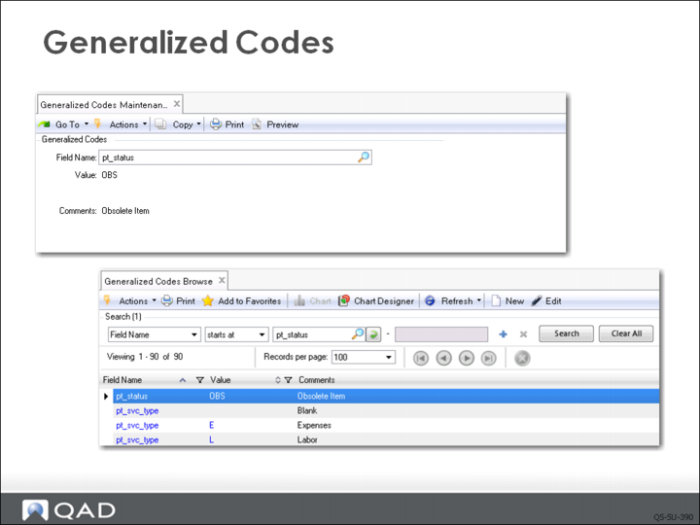
After you have created item status codes, you can choose to enforce the use of only those you created. This is done using Generalized Codes Maintenance (36.2.13), which lets you control the values that can be specified in fields with user-defined codes.
To set up code validation, you need to know the name of the field where you want the validation to occur. To find out its name, go to the program where it is used and press Next through a record until your cursor is in the field. Then press the key combination of Ctrl+F. A window displays all the information about your current context, including the technical field and program name.
In this example, you would go to Item Master Maintenance (1.4.1), click Next until your cursor is in the Item Status field, and then press Ctrl+F. A window displays information including the name for that field: pt_status. You can find the name of any active field in the same way.
Create the list of acceptable codes for Item Status by entering the pt_status for Field Name in Generalized Codes Maintenance; then click Next. In the field labeled Value, enter the acceptable code value and click Next. Then enter a description for the code and click Next. You can enter as many codes as you want. When done, you can check your work by using the browse.
Users can see the codes that have been set up by using the lookup on the Status field in Item Master Maintenance.