Shop Calendar
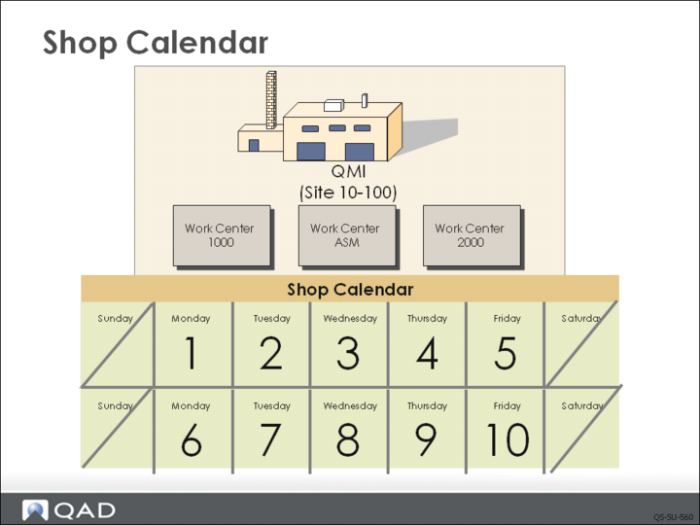
The shop calendar is required for planning, manufacturing, and distribution functions. The calendar indicates what days the plant is open and how many hours are worked each day. The calendar determines the hours a work center is available to do work. This information is also used by capacity requirements planning.
If the Work Day field is not checked on a particular day, an order cannot be due on that day. None of the planning functions in QAD will schedule an order to be due on a non-work day.
Calendar information is used to schedule:
• Start and due dates for MRP planned orders, master schedule orders, and work orders
• Operations for work orders and repetitive schedules
• The procurement or shipment of materials through association with suppliers and customers
Use Calendar Maintenance to maintain the default calendar for all sites. Use Holiday Maintenance to turn off a normal work day, that is, make it a non-work day for the entire site. Use Calendar Reference to modify a calendar for the short term. For example, add extra hours for a peak season, or indicate a two week shut down.
Calendars are also defined for work centers that have different schedules than the default calendar and can be defined for any machines within a work center that have different schedules.