Move Current Cost Set to GL Set
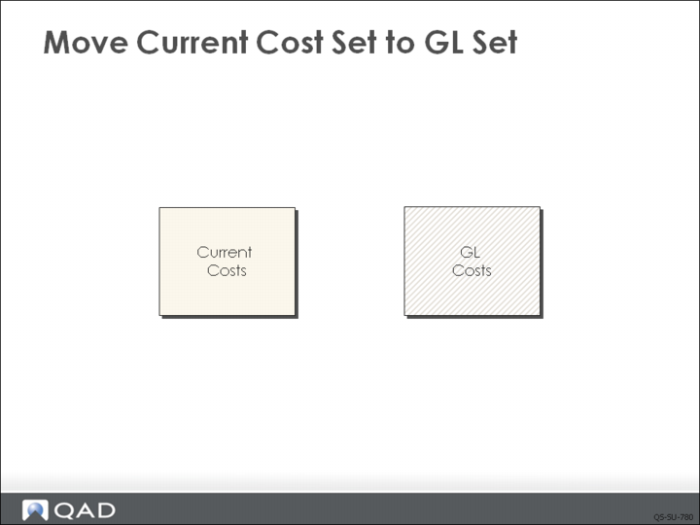
By default, the system maintains two cost sets for each item-site:
• Current, which reflects today’s cost for an item
• GL, which is used for all general ledger transactions
When costs change, you can update and verify the change in the current cost set first, then use Current Cost Set Move to GL Set (1.4.22) to reflect the change in the GL cost set. Current Cost Set Move to GL Set is typically used only at regular, widely spaced intervals, usually annually.
By convention, QMI does all its work in the current cost set, checking each step when it is completed. When satisfied that the costs are correct, the entire current cost set is moved (copied) to the GL cost set.