Supplier
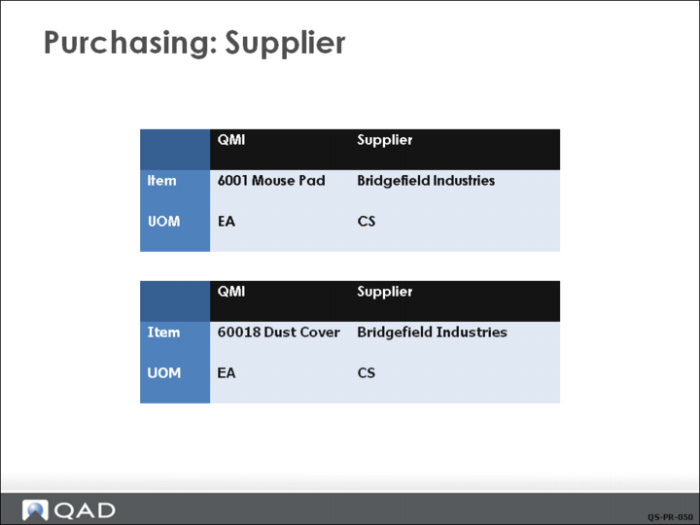
Prior to using purchasing functions, you need to set up information for each of your suppliers. Supplier Create, located under Accounts Payable in the Finance system, is used to create the supplier record and set up the accounting information needed. QMI’s key supplier for purchased components is Bridgeville Industries. The finance staff of QMI has set up this vendor with supplier code 10S1002.
In addition to setting up accounting data for the supplier, QMI needs to set up supplier data particular to manufacturing. This is done in Supplier Data Maintenance under the Addresses menu in Master Data. This data includes contact names and phone numbers, shipping data, and other information of a non-financial nature.
Supplier Items
Supplier items are used to cross-reference your item number with your supplier’s item number. Later, in Purchasing, you can reference the supplier’s item number instead of your own, and the system will find your item number for you.
Unit of Measure
Unit of measure conversions can be set up so that a unit of measure for a purchase order line can be different than the item master unit of measure. Then, when the item is received, it is converted to the item master unit of measure.